
AI Video Generator with Available Model Options
A Practical AI Video Workflow
Enter a clear prompt or add a reference image, then choose the output format before generating.
Verified prompt
Replace the main characters with the characters from my references.
Replace the main characters with the characters from my references.
Verified prompt
Verified prompt
More AI Video Generators
Explore our collection of specialized AI video generators designed for different creative needs and styles
AI Video Generator with Available Model Options
Plan a short video around one clear scene. Start with a text description or use a reference image to guide the composition.
Choose a model in the generator, review its supported settings and credit quote, then inspect the completed result before sharing.
Start Creating with AI VideoWhy Choose Our AI Video Generator Technology
Develop a Clear Video Prompt
Describe your subject, action, setting and camera movement. Use the prompt assistant to develop a rough idea, then review the suggested wording.
A Practical AI Video Workflow
Build a repeatable workflow from a clear brief to a reviewed clip. The generator shows the options available for the model you select.
Advanced Text-to-Video & Image-to-Video Generation Technology
For text-to-video, describe the action as well as the scene. For image-to-video, add a supported PNG or JPEG image and explain how it should move.
Review Available Audio Options
Audio availability depends on the selected model. Review the audio option before submitting, then listen to the completed clip alongside its visuals.
Review and Refine Each Clip
Compare each output with your brief. Check subject appearance, motion and framing, then refine your prompt for another variation when needed.
Best AI Video Tools for Creative Projects
Explore creative tools for video, learn tips and tricks, and see how AI can be your assistant in turning concepts into finished projects.
Create a Short Video in Four Steps
Follow these four steps to prepare a request, generate a clip, review the result and develop another version.
Describe Your Video Concept or Upload Images
Write a scene description or upload a supported reference image. Include the subject, action and preferred visual style.
Choose Settings and Generate
Choose a model and output settings. Check the credit quote before submitting, then follow the task status in History.
Review and Download Your Video
Preview the completed clip. Check motion, visual details and any audio, then download the result you want to keep.
Refine Your Next Version
Use what you learned from the first result to refine the prompt or settings. Review the next credit quote before generating again.
Short Video Ideas for Work and Personal Projects
Explore short clips for a presentation, social post or personal project. Start with one scene and review the model’s available inputs, settings and credit quote. Check each result before using it.
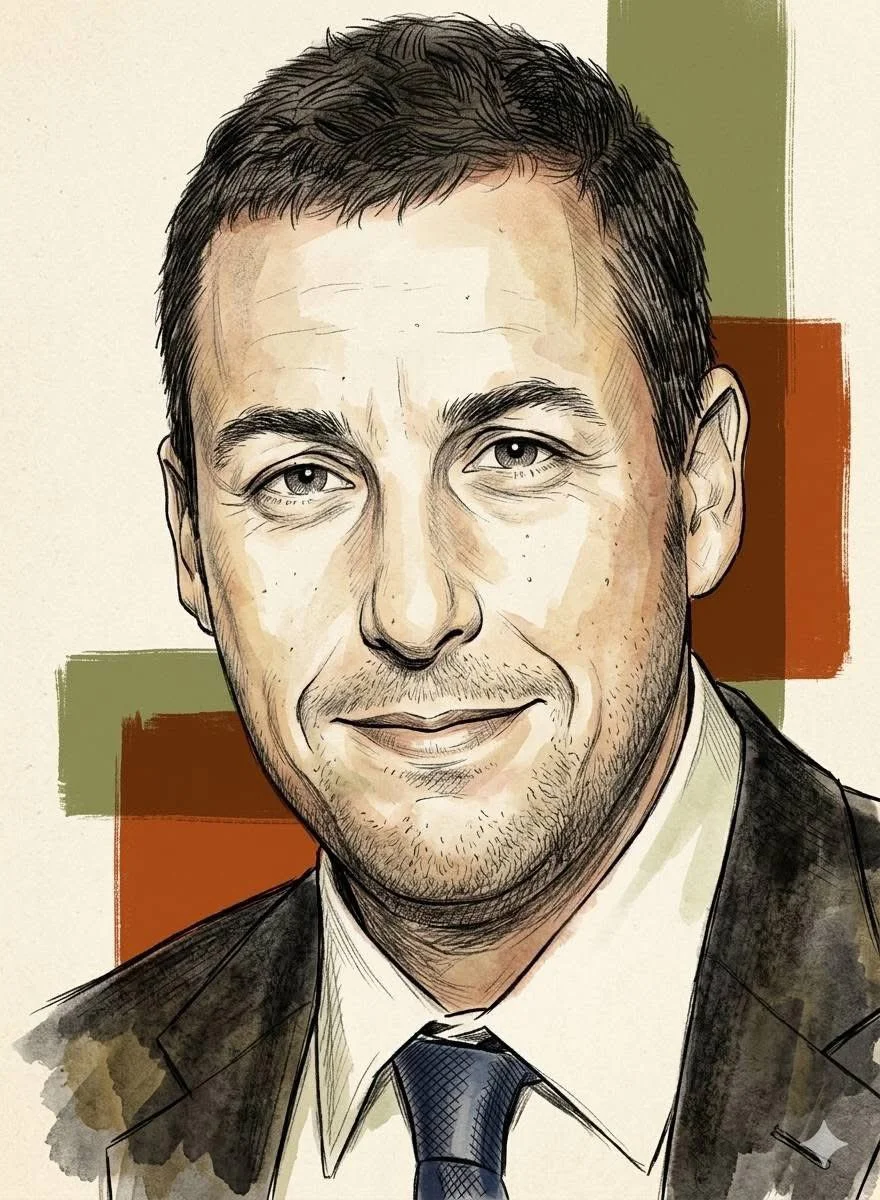
Marketing & Advertising Videos
Create captivating video ads. Use the AI Video Maker to quickly generate promotional content from scripts (Text To Video) or product shots (Image To Video). The AI Video Maker helps produce marketing materials at scale.
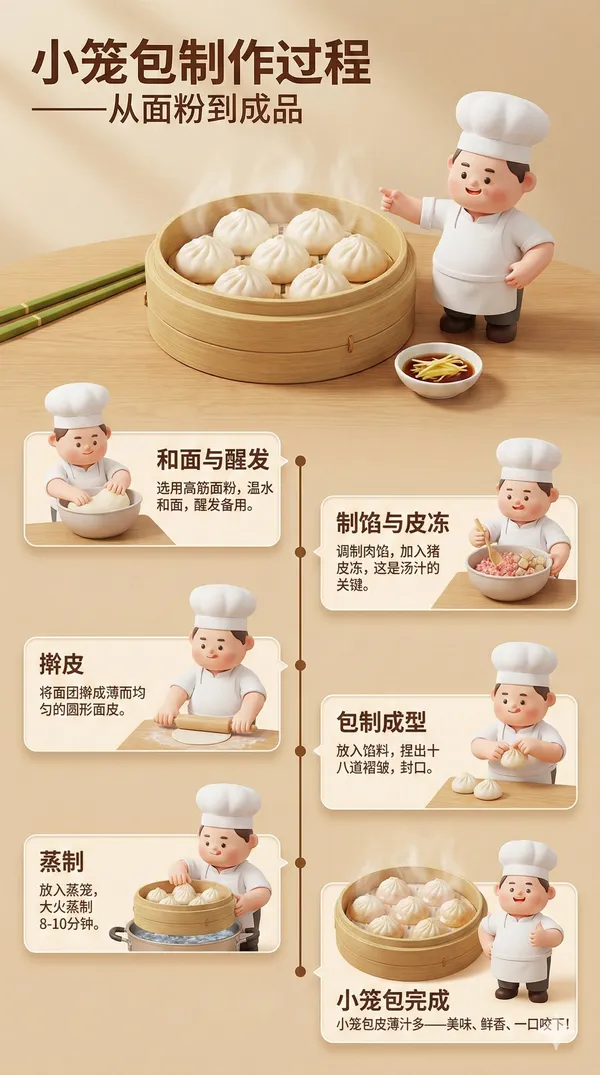
Social Media Content
Explore a short visual concept for a social post. Select a format suited to your channel and check the result before publishing.
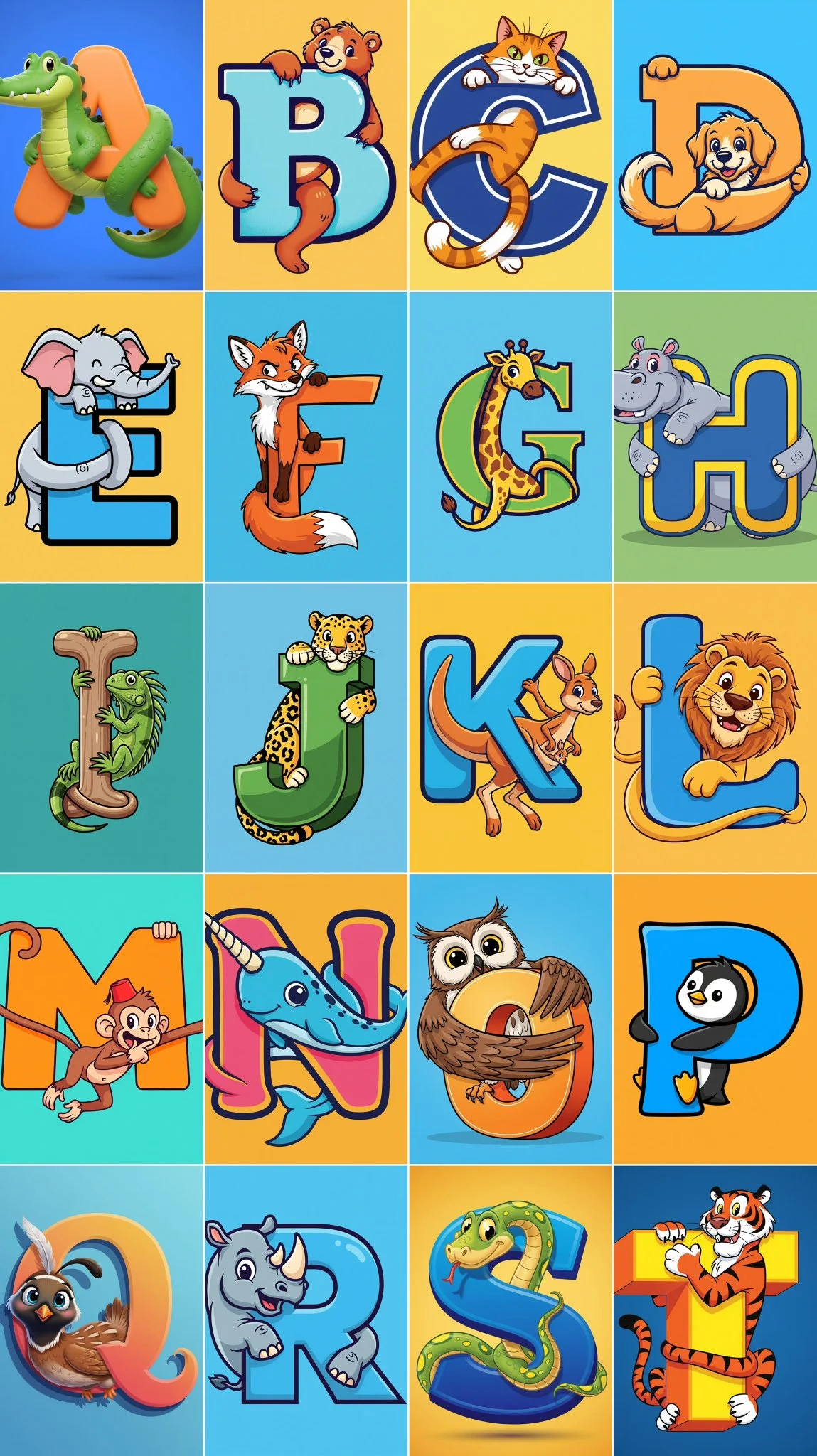
Educational & Training Materials
Create brief visual examples for a lesson or training deck. Verify the accuracy of any generated demonstration or on-screen details.
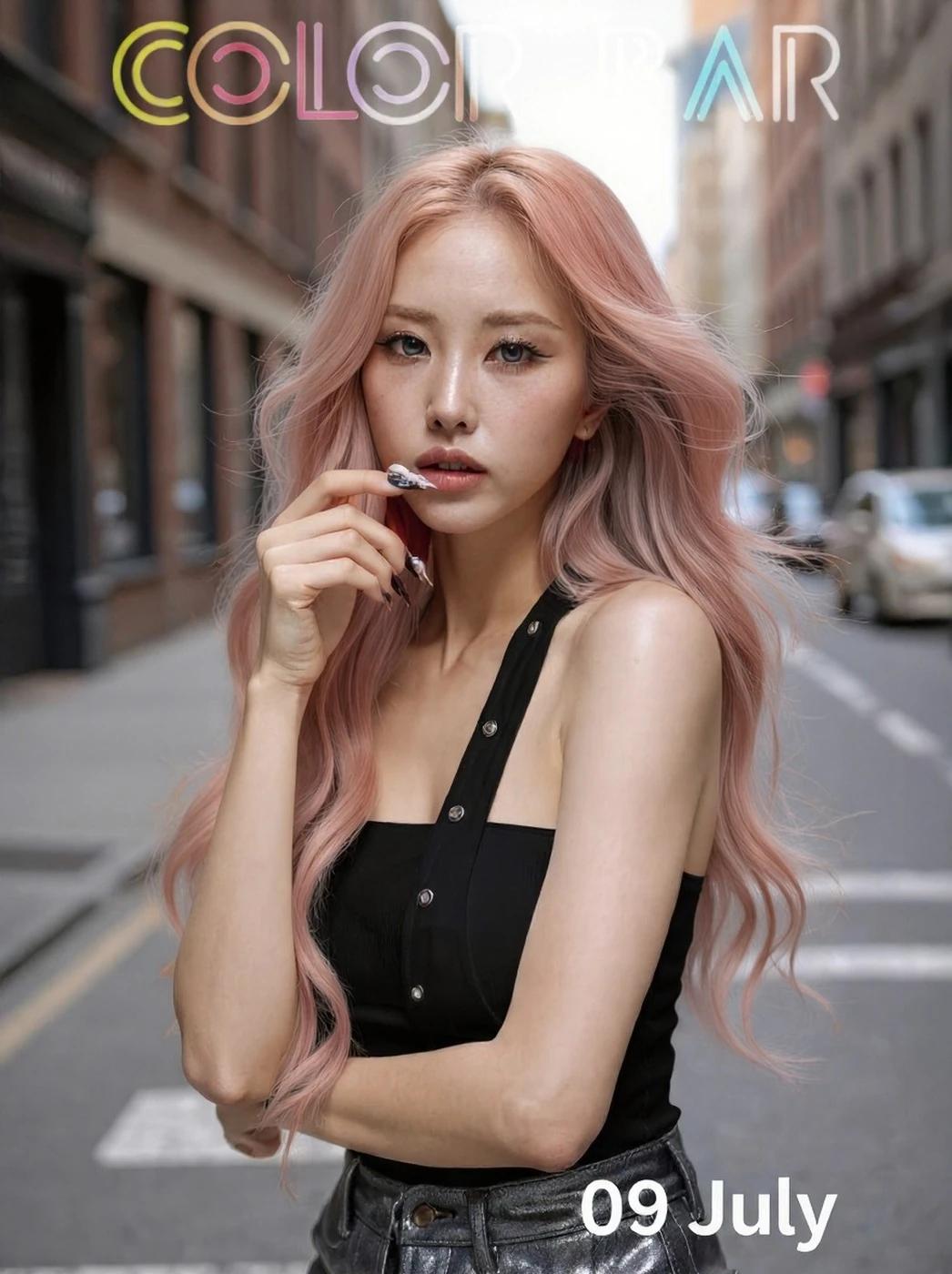
Corporate Presentations & Communications
Develop concept clips for a presentation. Keep the message focused and review the output against your communication goals.

Film & Episodic Content Creation
Explore single-scene concept footage for a storyboard or pitch. Review each short clip with your team before planning a longer production.
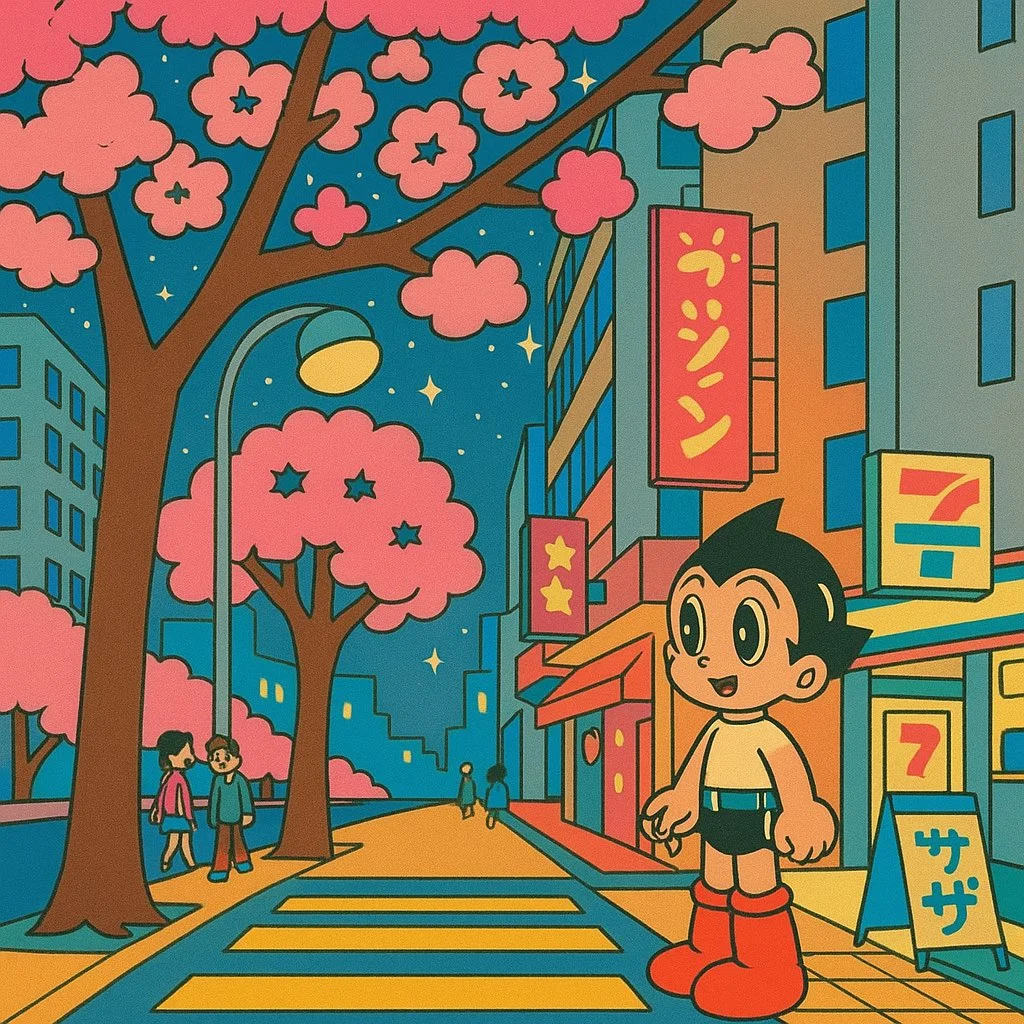
Personal Projects & Creative Storytelling
Bring personal stories to life. Whether turning a poem into a visual narrative (Text To Video) or creating a montage from photos (Image To Video), the AI Video Maker provides the tools. The AI Video Maker fuels your passion, allowing you to dream bigger.
Workflow Tips
Keep each prompt focused on one scene and one main action. Add camera movement only when it helps communicate the idea.
FAQs about AI Video Generator Technology
An AI video generator creates short clips from text prompts or supported reference images. Model selection, input settings and credit costs are shown before submission.
Video generation uses credits. No sign-up is required. Choose a model and settings, and review the required credits and your balance before submitting.
Subscriptions renew according to the billing interval shown at checkout. A one-time credit pack is a single purchase, not a subscription. To cancel a subscription, open Settings > Billing, choose your subscription and confirm cancellation. Check the updated status and end date. If cancellation fails, contact support@aisocialmediapostgenerators.com before your next renewal.
Cancellation stops future subscription renewals once confirmed. Check Settings > Billing for your paid access end date. Existing credits keep their original expiration dates; cancellation does not extend them or automatically issue a cash refund.
You can request a refund within 10 days of purchase if you have unused credits from that purchase and provide a clear reason, subject to our Refund Policy. If eligible, an unused purchase can be fully refunded; a partly used purchase is refunded in proportion to its remaining unused credits. Fully used purchases and free or promotional credits are not refundable.
Email support@aisocialmediapostgenerators.com with the subject Refund Request. Include your account email, order or transaction ID, purchase date and reason. Our Refund Policy provides for a response within 5 business days. Approved refunds return to the original payment method and may take 5–10 business days to appear, depending on the payment provider. The corresponding credits are removed. See /refund-policy for the full conditions.
Credit validity depends on the pack, subscription or promotion that issued them. Review the purchase terms and expiration dates in Settings > Credits. A renewal or new purchase does not extend older credits. Use credits before their stated expiration; do not assume unused subscription credits roll over indefinitely.
Credits charged for a task that is confirmed as failed due to a system error are returned automatically. A task that is still processing has not yet been confirmed as failed. Check its status and your credit history before submitting again. If a confirmed failure still shows an unresolved charge, email support@aisocialmediapostgenerators.com with the task ID.
AI results can vary, so a completed result that differs from your expectations is not automatically treated as a technical failure. Eligible completed image tasks can be submitted for credit refund review using the refund option where available; approval is required. For a video or another issue, contact support@aisocialmediapostgenerators.com with the task ID and details. A credit refund returns credits, not money to your payment method.
Check that you are using the same account or guest browser used for checkout, then review your order status and credit history. Avoid paying again while the first payment is being checked. Email support@aisocialmediapostgenerators.com with your order ID, purchase time and payment receipt so we can investigate. Never send your password or full card details.
Email support@aisocialmediapostgenerators.com. For billing, include your account email and order ID; for generation, include the task ID, issue description and relevant screenshots. If you purchased as a guest, keep the original browser data and payment receipt so we can help locate the purchase.
A Practical AI Video Workflow
Start with a scene you want to explore. Select a model, check its settings and credit cost, and review the completed clip in History.
aisocialmediapostgenerators.com · Updated
What's new on this page
- — Clarified the page guidance and image descriptions. Added editable example prompts and separate drafts for text and reference modes, with an action to restore the example.
- — Updated page generator or navigation settings.
- — Updated page copy and content. Updated page images or videos.
- — Updated page copy and content.
- — Page content published.