
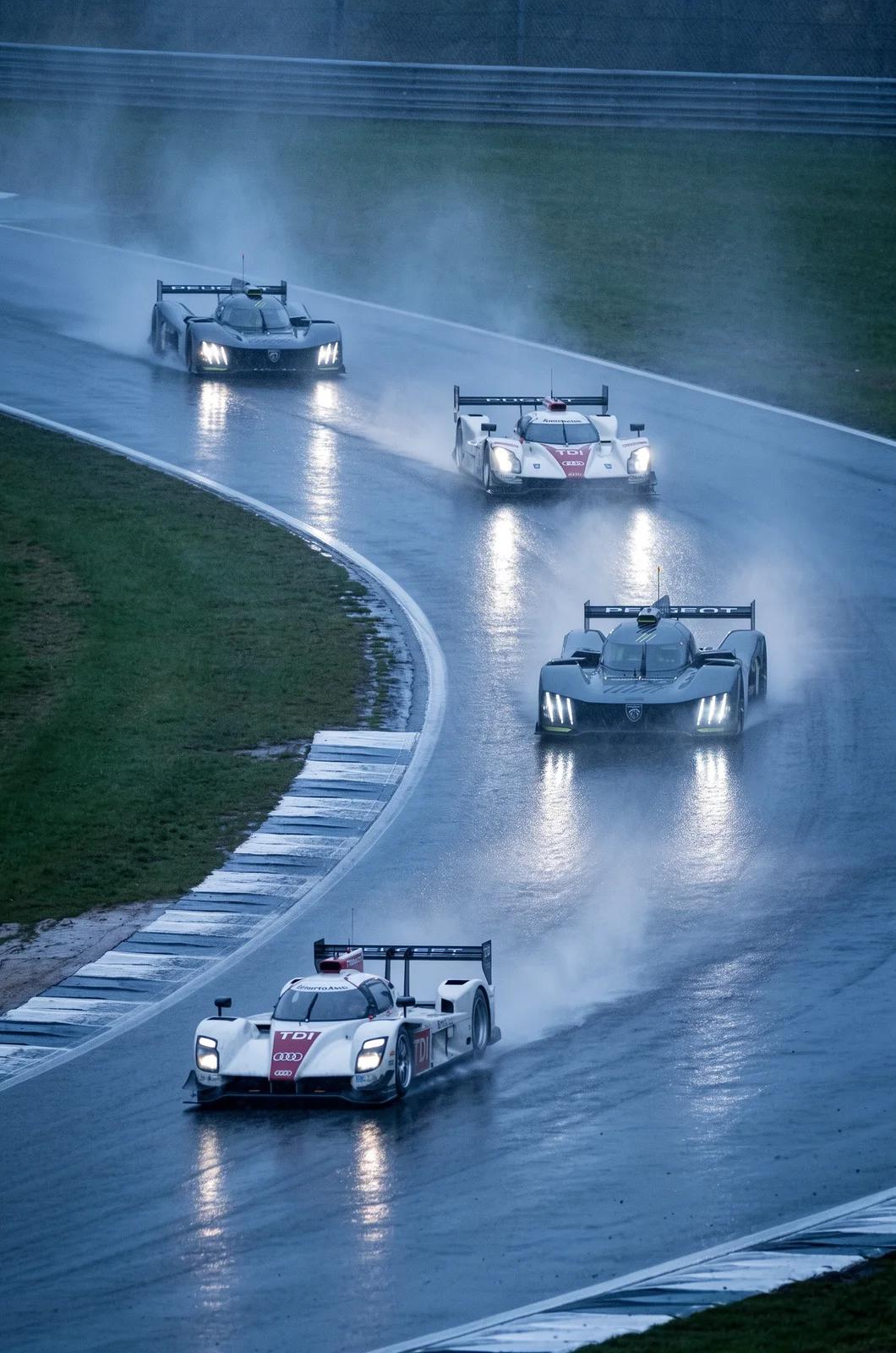
Verified prompt
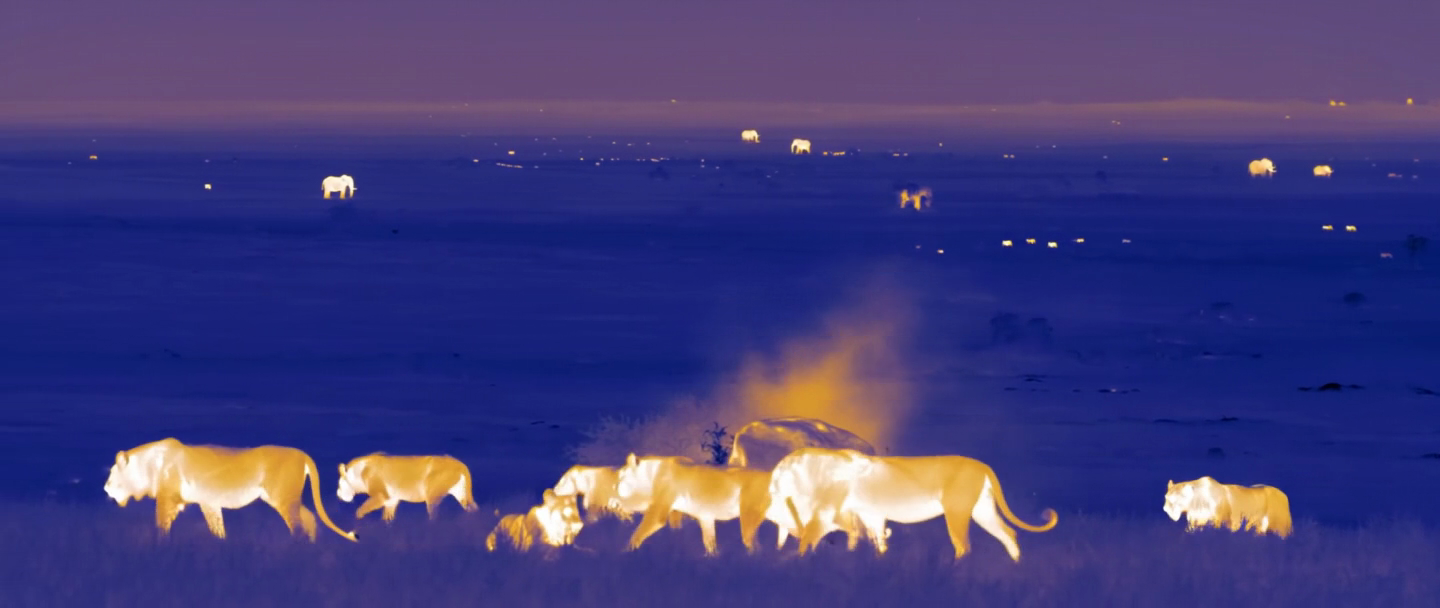
Verified prompt
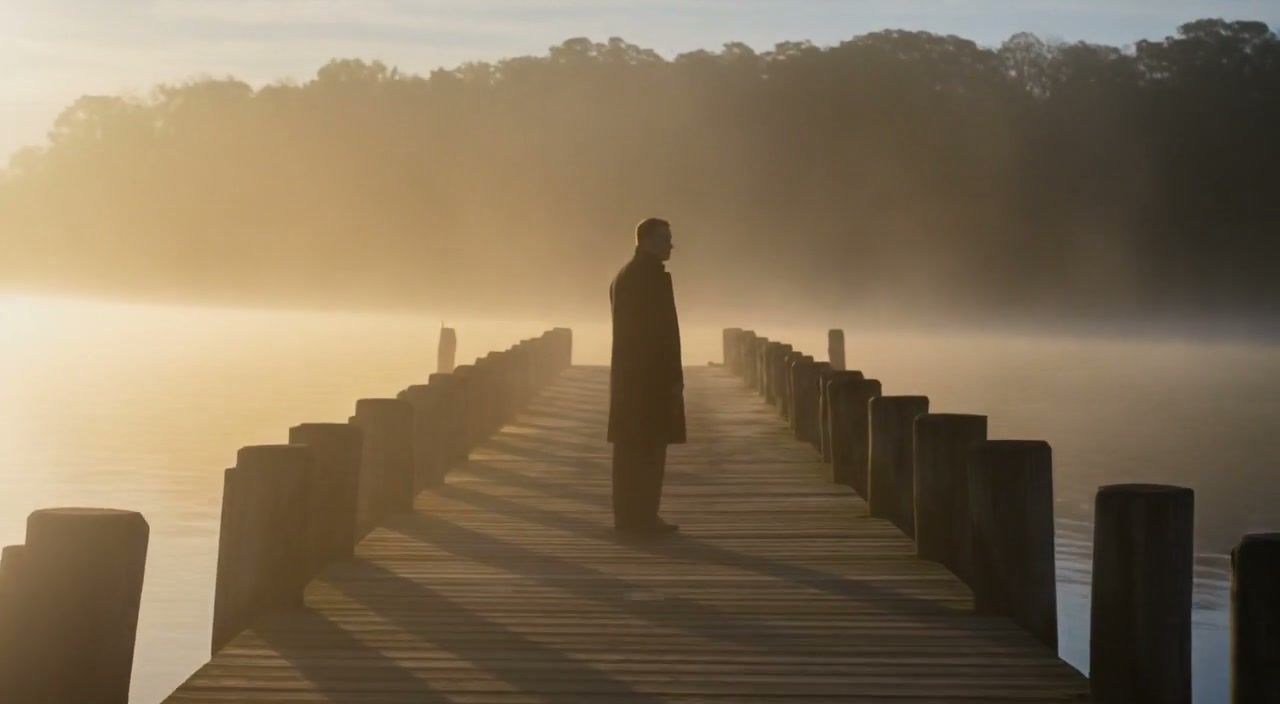
Verified prompt
Verified prompt
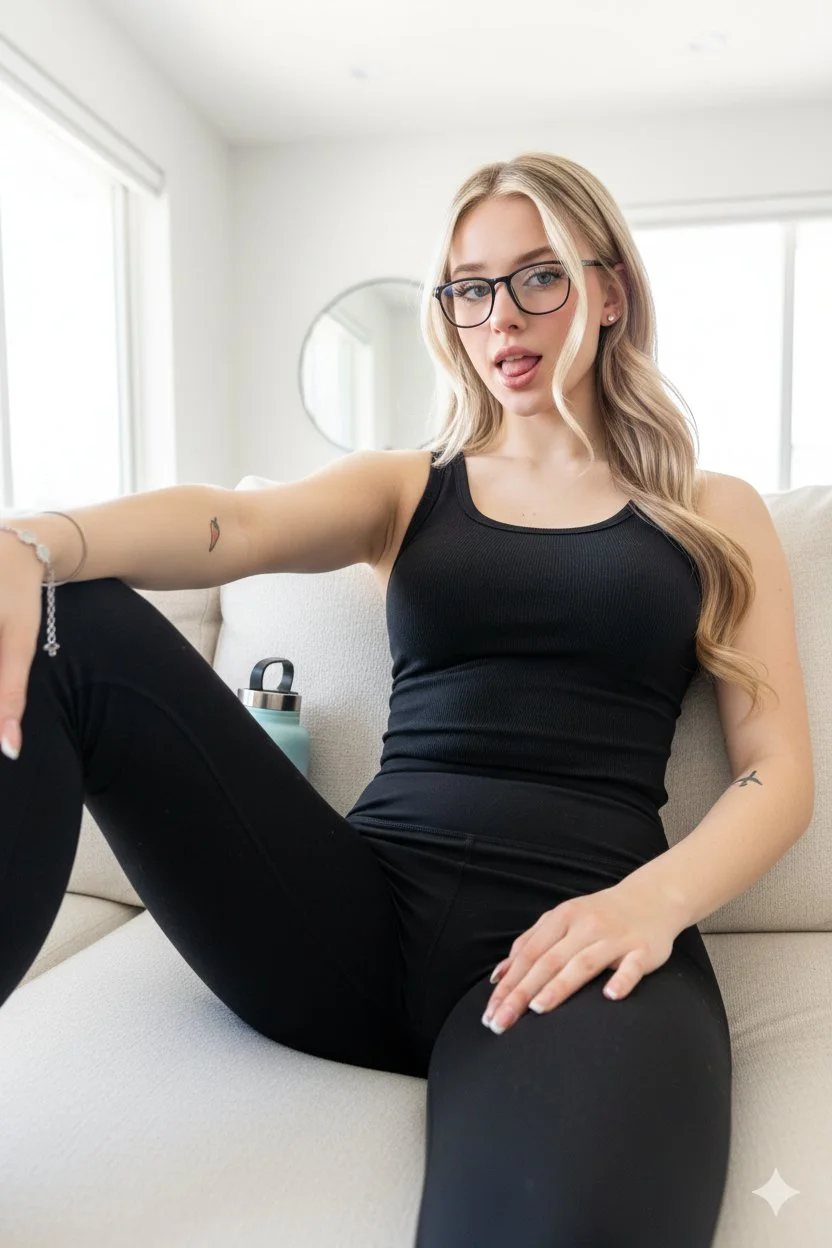
Young woman with blonde hair, athletic build. Playful, tongue poking out, casual and relaxed. Low-angle perspective, reclining back against a light-colored couch, looking directly at camera. Black form-fitting ribbed tank top or bodysuit with matching black high-waisted leggings or yoga pants. Extreme low angle, POV style, looking up from the lap area. Close-up, wide-angle lens distortion typical of a smartphone selfie. Modern bright living room interior with cream-colored fabric sofa, large windows with bright natural light, light blue insulated water bottle beside the person. High-key, bright natural daylight, slightly overexposed background. Candid, casual, social media aesthetic.
Young woman with blonde hair, athletic build. Playful, tongue poking out, casual and relaxed. Low-angle perspective, reclining back against a light-colored couch, looking directly at camera. Black form-fitting ribbed tank top or bodysuit with matching black high-waisted leggings or yoga pants. Extreme low angle, POV style, looking up from the lap area. Close-up, wide-angle lens distortion typical of a smartphone selfie. Modern bright living room interior with cream-colored fabric sofa, large windows with bright natural light, light blue insulated water bottle beside the person. High-key, bright natural daylight, slightly overexposed background. Candid, casual, social media aesthetic.
Verified prompt
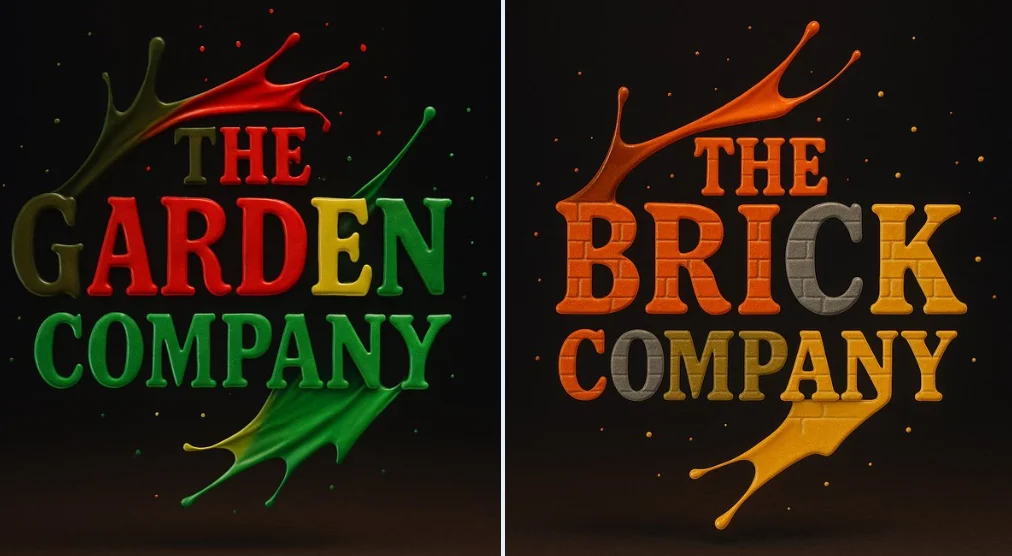
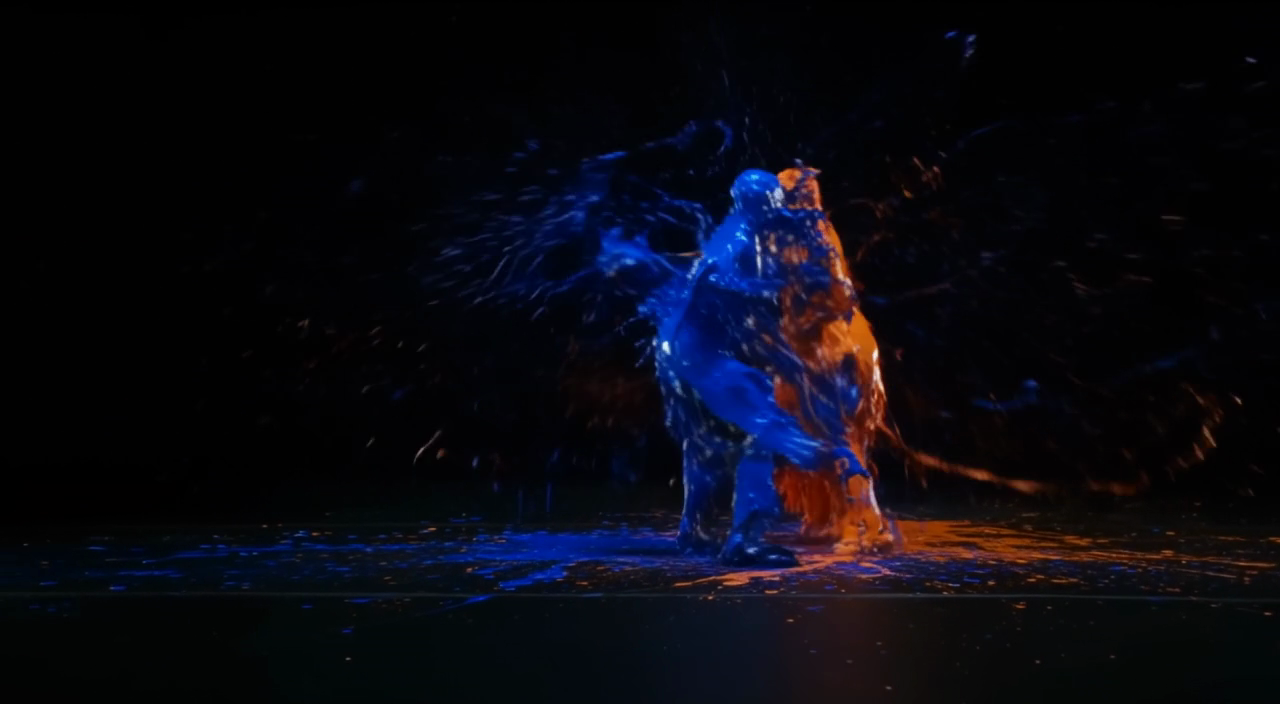
Create a photograph of a [BRAND] logo formed from four vibrant paint splashes: red, blue, green, and yellow, captured mid-motion. Each color flows dynamically across different parts of the logo, as if sculpted from liquid paint. Droplets are suspended in the air around it, enhancing the illusion of movement. Set against a dark background with soft, vivid lighting that accentuates the glossy texture and fluid motion Use appropriate colors for the logos.
Create a photograph of a [BRAND] logo formed from four vibrant paint splashes: red, blue, green, and yellow, captured mid-motion. Each color flows dynamically across different parts of the logo, as if sculpted from liquid paint. Droplets are suspended in the air around it, enhancing the illusion of movement. Set against a dark background with soft, vivid lighting that accentuates the glossy texture and fluid motion Use appropriate colors for the logos.
Verified prompt
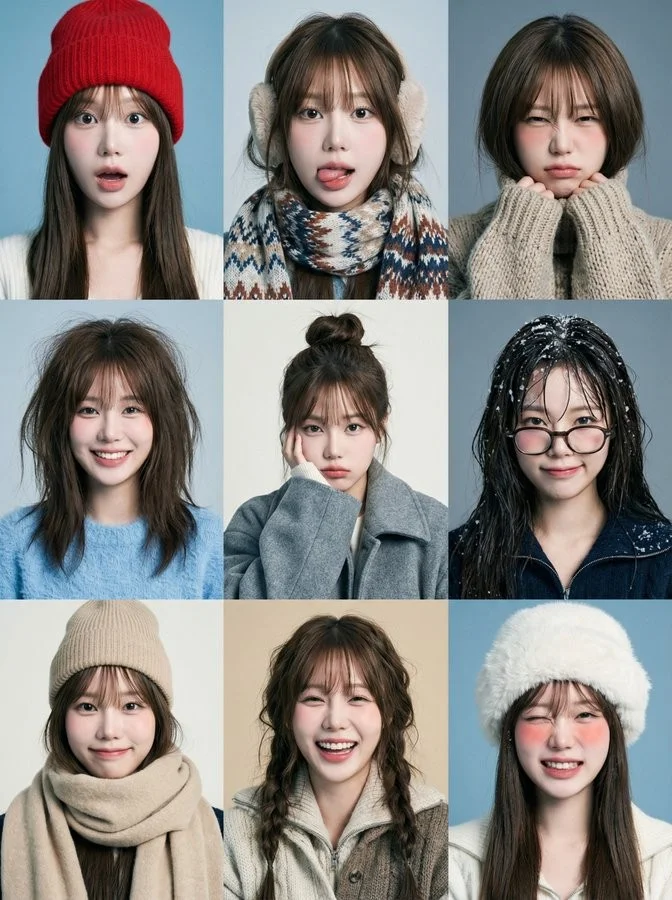
Create a 3x3 grid of playful winter portraits featuring the person from the attached image in all nine frames. Each frame shows a different expression, hairstyle, and outfit — funny, awkward, joyful, bored, mischievous, over-the-top. The vibe is childlike, spontaneous, and imperfect. Solid winter-toned backgrounds (cool blue, grey, off-white, muted beige). Styling varies between frames: messy beanies, scarves, ear warmers, oversized coats, fuzzy sweaters, quirky glasses, exaggerated bed-hair. Some frames include tongue out, wide smile, surprised face, mock-serious look, squinting from cold. Lighting is soft studio with a cool-neutral tone. The face must remain 100% identical in all 9 frames.
Create a 3x3 grid of playful winter portraits featuring the person from the attached image in all nine frames. Each frame shows a different expression, hairstyle, and outfit — funny, awkward, joyful, bored, mischievous, over-the-top. The vibe is childlike, spontaneous, and imperfect. Solid winter-toned backgrounds (cool blue, grey, off-white, muted beige). Styling varies between frames: messy beanies, scarves, ear warmers, oversized coats, fuzzy sweaters, quirky glasses, exaggerated bed-hair. Some frames include tongue out, wide smile, surprised face, mock-serious look, squinting from cold. Lighting is soft studio with a cool-neutral tone. The face must remain 100% identical in all 9 frames.
Verified prompt
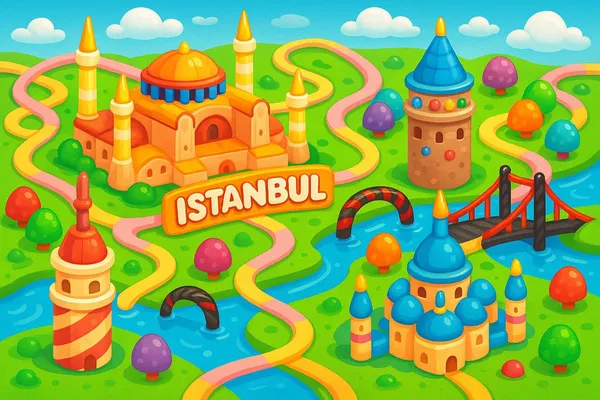
lorful, playful 2D map of [city name], in the style of Candy Crush Saga, featuring the city’s iconic landmarks as candy-inspired buildings, cute gumdrop trees, licorice bridges, pastel roads, and glossy water elements, floating clouds, vibrant cartoon style, top-down view, kid-friendly game aesthetics, horizontal layout
lorful, playful 2D map of [city name], in the style of Candy Crush Saga, featuring the city’s iconic landmarks as candy-inspired buildings, cute gumdrop trees, licorice bridges, pastel roads, and glossy water elements, floating clouds, vibrant cartoon style, top-down view, kid-friendly game aesthetics, horizontal layout
Verified prompt
Verified prompt
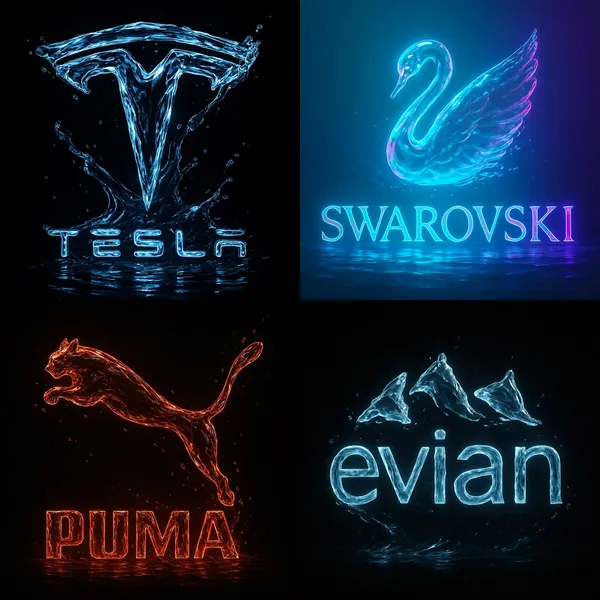
ltra-high resolution 8K cinematic render of the [Brand Name] logo, sculpted entirely from flowing crystal-clear water. The liquid forms every curve and edge of the brand’s logo with fluid precision, highlighted by vibrant neon accents inspired by [Brand Name]’s color identity. The background is pitch black, creating sharp contrast and drama. The lighting is dynamic, revealing sharp reflections, glowing edges, and the motion of water as it ripples and splashes. Droplets, shine, and soft glass-like textures give the logo a surreal, luxurious, and futuristic appearance — poster-quality, 1:1 format.
ltra-high resolution 8K cinematic render of the [Brand Name] logo, sculpted entirely from flowing crystal-clear water. The liquid forms every curve and edge of the brand’s logo with fluid precision, highlighted by vibrant neon accents inspired by [Brand Name]’s color identity. The background is pitch black, creating sharp contrast and drama. The lighting is dynamic, revealing sharp reflections, glowing edges, and the motion of water as it ripples and splashes. Droplets, shine, and soft glass-like textures give the logo a surreal, luxurious, and futuristic appearance — poster-quality, 1:1 format.
Verified prompt
Create a South Park style paper-cut cartoon character with short blond hair and a white shirt beside a vineyard. Use flat colors, round expressive eyes and a clear silhouette.
Create a South Park style paper-cut cartoon character with short blond hair and a white shirt beside a vineyard. Use flat colors, round expressive eyes and a clear silhouette.
Verified prompt
Verified prompt
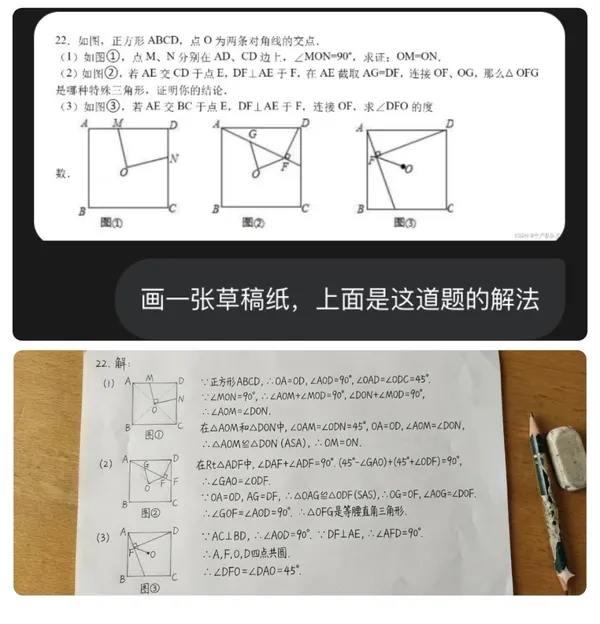
a sheet of draft paper with the solution to this problem on it.
a sheet of draft paper with the solution to this problem on it.
More AI Image Generators
Explore our collection of specialized AI image generators designed for different creative needs and styles


Ultimate AI Image Generator: Text to Image, Life to Art!
Create AI Images from Text or Reference Images
Turn your ideas into breathtaking visuals with AI Image Generator and powerful AI Image Generator. Whether you're designing for personal projects or professional use, our Text to Image technology empowers you to create stunning, high-quality images in just a few clicks. No ads, no watermarks—just pure creativity from our leading AI Image Maker.
Start CreatingAI Image Generation from Text and References
Create images from text or use a reference image to guide the result. Choose a model and review the available settings before generating.
Advanced AI Image Generation & Customization
Describe your subject, setting, lighting, and style. Adjust the available size and quality settings, then review the credit cost before generating.
Describe Your Visual Style
Describe the medium, colors, lighting and mood you want. Compare the generated image with your idea, then adjust the wording to explore a different visual direction.
Refine Your Prompt
Review the generated composition, then revise your prompt to change specific details. Choose the available model settings and check the credit quote before creating another version.
Review and Download Results
Open completed results in History, inspect important details and download the image you want to use. Keep your prompt and settings so you can compare later versions.
Keep Your Prompt and Result Together
Write a prompt, choose a model, and review your results in History. Refine your description to explore a different composition or style.
User-Centric Design
A straightforward workspace for turning written ideas into images.
Why Choose AI Image Generator?

Explore Styles Through Your Prompt
Explore photographic, illustrated or abstract looks by describing the style in your prompt. Results vary by model and request; review each image before using it.
Describe the look you want, then refine your prompt as you compare results.
Versatile AI Image Generator for Every Creator's Vision
Create visual concepts for design, marketing, education, and personal projects. Start with text or a reference image and explore different approaches.


For Architects and Designers
Explore architectural concepts, materials, and lighting from a written description. Use the results to discuss visual direction and develop your design.

For E-Commerce Professionals
Explore product settings and campaign imagery. Check generated details against the real product before using an image in a listing or ad.

For Content Publishers
Create illustrations for articles and social posts. Describe your subject, composition, and brand colors to guide the result.

For Event Planners
Explore themes for invitations, promotional graphics, and venue concepts. Compare visual directions before producing final event materials.
4 Simple Steps to Create & Enhance Images with AI Image Generator
Add Your Input
Write a description, or select image-to-image mode and upload a reference. Include the details that matter most to your composition.
Customize Your Options
Choose a model and adjust its available size and quality settings. Check the required credits before generating.
Generate and Refine
Select Generate Image and follow the task in History. Review the result, then revise your prompt to create another version.
Export, Share, or Transform
Download a completed image from History and add it to your project. You can also use it as a reference on the video page.
Empowering Creativity Across Industries with AI Image Generator
Explore visual ideas for illustrations, marketing materials, presentations, and game concepts.
Digital Art & Illustration
Create illustrations and explore artistic styles from a text description. Adjust the subject, composition, and lighting to develop your idea.
Marketing & E-Commerce Visuals
Create visual concepts for ads, product showcases, and social posts. Review the result and adapt it to your campaign.
Educational Content & Presentations
Create custom illustrations for presentations and teaching materials. Use clear visual examples to explain an idea, and check generated details for accuracy.
Game Development
Explore character, environment, and prop concepts. Describe a consistent style to guide your visual direction.
Image Workflow Tips
Describe the subject, setting and composition clearly before adding style details.
Frequently Asked Questions about AI Image Generator
An AI image generator creates images from written descriptions or reference images. Your chosen model and settings determine the available output options.
Text-to-image models use your written description to generate a visual interpretation. Specific details about the subject, composition, and lighting can help guide the result.
Compare available models, adjust their supported settings, and keep completed images in History for review and download.
Write the medium, palette, lighting and composition in your prompt. There is no one-click style effect control on this page.
Revise your text prompt and generate another version, or use a supported reference image in image-to-image mode. This page does not provide object erasing, canvas expansion or photo restoration controls.
Yes! With AI Image Generator, images from the premium plan come with full commercial rights for your Text to Image creations.
Check your available credits without signing up. Each generation shows its credit cost before you submit it. Visit Pricing for subscription options.
You can start with a plain-language description. Add details about the subject, setting, lighting, and style as you refine your idea.
You can request a refund within 10 days of purchase if you have unused credits from that purchase and provide a clear reason, subject to our Refund Policy. If eligible, an unused purchase can be fully refunded; a partly used purchase is refunded in proportion to its remaining unused credits. Fully used purchases and free or promotional credits are not refundable.
Credit validity depends on the pack, subscription or promotion that issued them. Review the purchase terms and expiration dates in Settings > Credits. A renewal or new purchase does not extend older credits. Use credits before their stated expiration; do not assume unused subscription credits roll over indefinitely.
Credits charged for a task that is confirmed as failed due to a system error are returned automatically. A task that is still processing has not yet been confirmed as failed. Check its status and your credit history before submitting again. If a confirmed failure still shows an unresolved charge, email support@aisocialmediapostgenerators.com with the task ID.
AI results can vary, so a completed result that differs from your expectations is not automatically treated as a technical failure. Eligible completed image tasks can be submitted for credit refund review using the refund option where available; approval is required. For a video or another issue, contact support@aisocialmediapostgenerators.com with the task ID and details. A credit refund returns credits, not money to your payment method.
Email support@aisocialmediapostgenerators.com. For billing, include your account email and order ID; for generation, include the task ID, issue description and relevant screenshots. If you purchased as a guest, keep the original browser data and payment receipt so we can help locate the purchase.
Unleash Your Full Creative Potential with AI Image Generator
Create an image from a text description or supported reference. Review the model settings, check the credit quote and download completed results from History.