
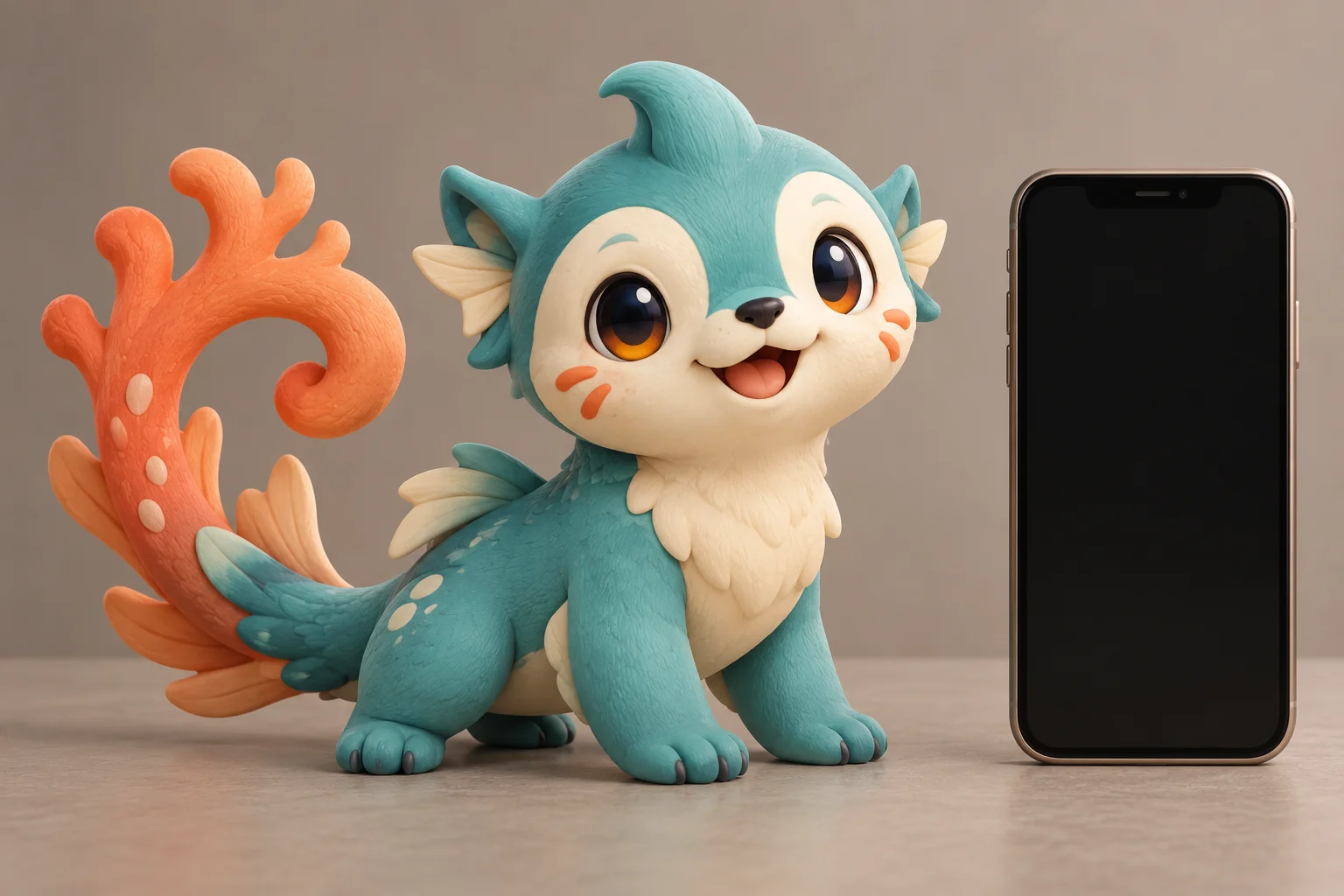
A recognizable creature for your next post
AI Pokémon Generator
Create your creature
History
Create an original Pokémon-inspired creature from a photo, or start with a written character idea. For a social avatar, choose a clear subject and a few memorable features that remain readable when the image is small.
Create your creatureStart with the details people will recognize
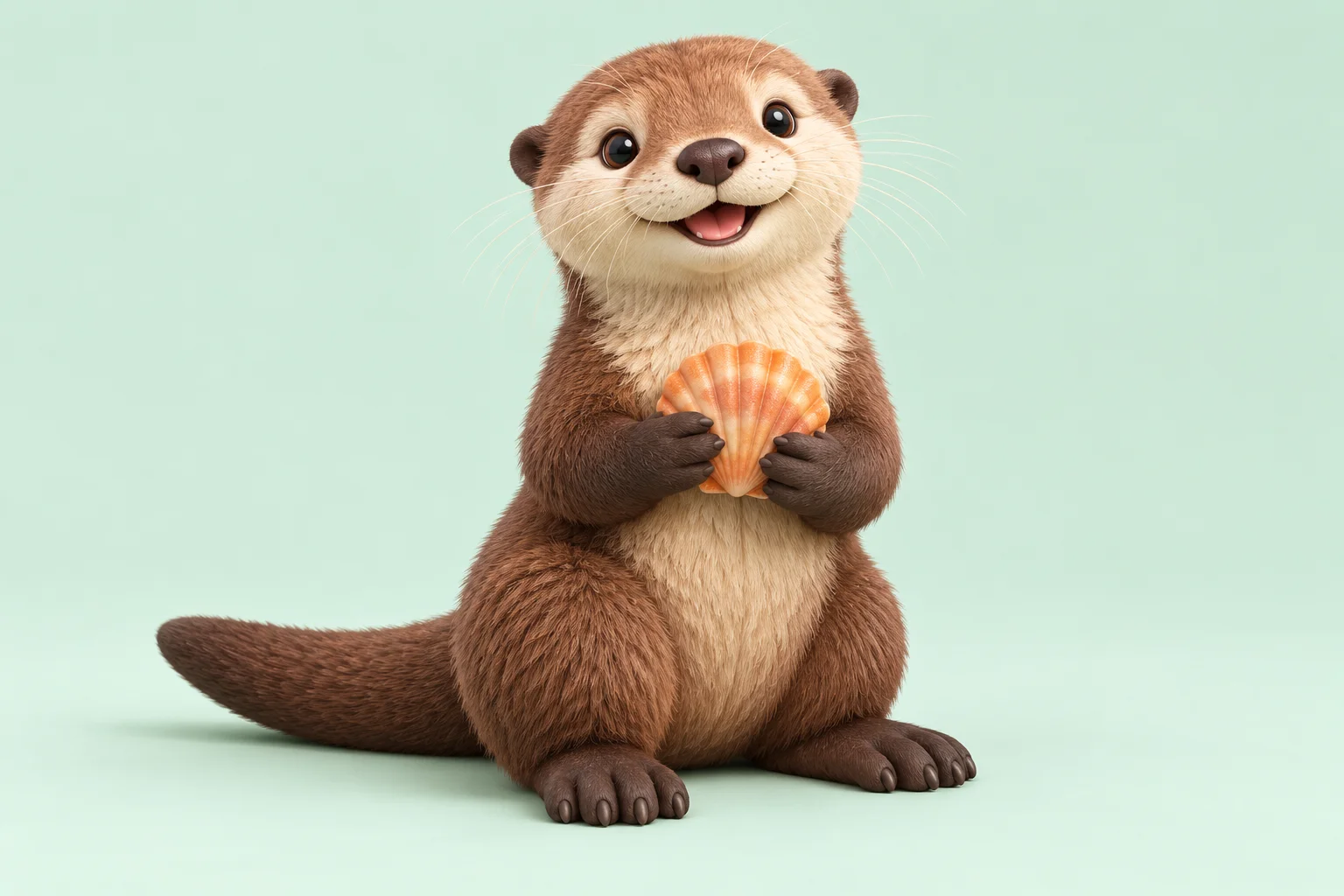
In Image to Image mode, upload one clear photo of your pet, an object or a sketch. Look for a readable outline, visible eyes and one distinctive marking. You can edit the starting prompt to say which details matter most.
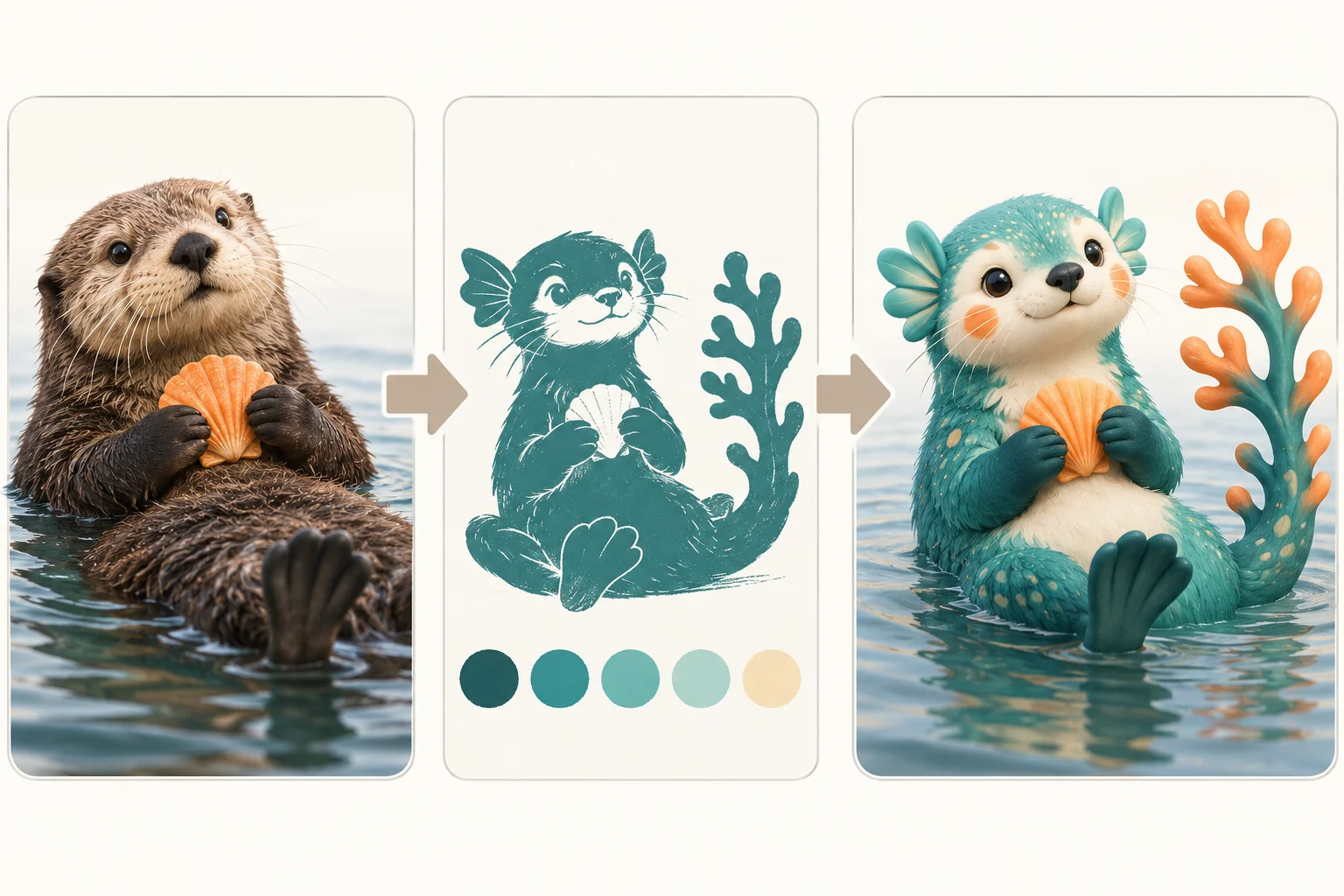
For this water-creature concept, the otter’s rounded face and cream chest provide the identity. Fin-like ears and a coral tail provide the fantasy direction. Describe those changes separately so the source remains recognizable.
Prefer a written brief? Switch to Text to Image and describe the creature, colors, pose and background. That mode starts from your words and does not submit the reference photo.
How to make a creature avatar
1. Pick the starting mode
Choose Image to Image for a photo-based character or Text to Image for a new design. In photo mode, add your reference through the upload or media picker and check the preview before continuing.
2. Set a visual brief
Keep two recognizable traits and add one elemental idea. A cream face, orange cheeks and a water motif are easier to evaluate than a long list of unrelated accessories. Edit the prompt before submitting.
3. Check format and credits
Select an available model and ratio. A square composition leaves room for a profile crop; a wider composition can support a post. Read the live credit quote and sign-in requirements for the selected settings.
4. Review and save
Follow progress in History. Inspect the eyes, paws, tail attachment and face at thumbnail size. Save the result you prefer; if a detail is unclear, refine that part of the prompt for a separate generation.
A prompt you can adapt
A useful brief separates identity, fantasy changes and composition. Replace the animal and markings below with details from your own reference. Requesting the same features helps guide later attempts, but each generation may interpret them differently.
Design one original water-themed fantasy creature inspired by a sea otter: teal fur, cream face, orange cheek marks, fin-shaped ears and a coral-shaped tail. Friendly expression, complete body, simple pale background, no lettering or logo. Keep the eyes and face readable at social-profile size.
For a profile image, request a larger face and breathing room around the ears. For a full-body reveal post, keep all paws and the tail inside the frame. Add any final caption in your publishing editor so you can control its wording and position.
Plan the post around one character
Avatar and introduction
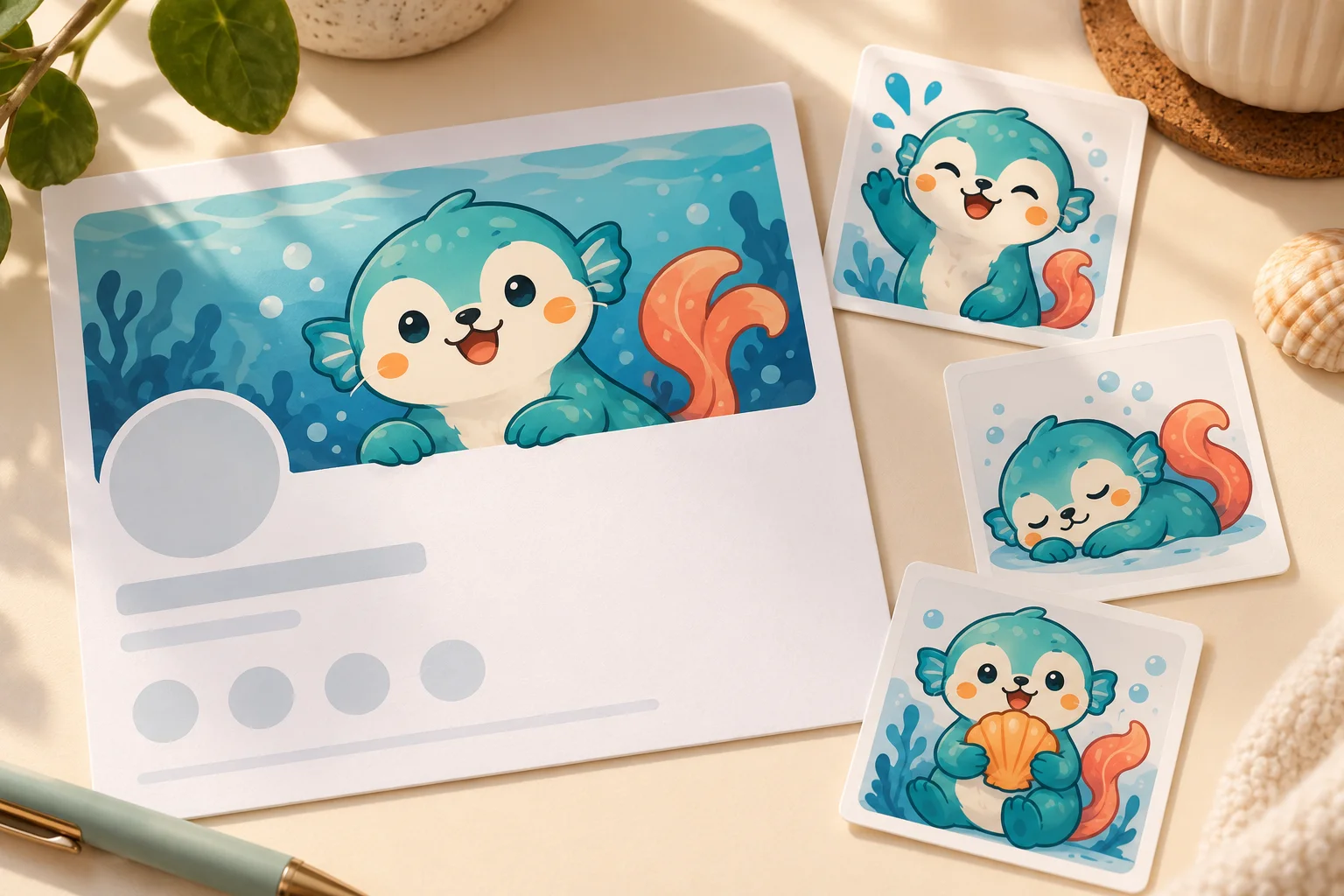
Choose a simple face-forward composition for an avatar, then introduce the creature in a separate post. Keep important details away from the edges so a circular crop does not remove the ears.
A reveal or audience prompt
Show a reference you are comfortable sharing alongside the creature concept. Invite viewers to suggest a name or habitat. Write that question as your post caption instead of asking the generator to bake small text into the picture.
A consistent visual series
Record the key colors, markings and shape in a short design brief. Review each new image against that brief before using it in a series. A prompt can guide continuity, but it does not lock a character model across separate generations.
Questions before you generate
Can I turn my pet into a Pokémon-inspired creature?
Yes. Use Image to Image with a clear pet photo and describe which markings or expression to keep. The result is an original creature interpretation; inspect details that matter to you rather than expecting an exact copy of the photograph.
Do I need a photo?
Photo mode needs a reference image. Text to Image needs only a written description. Switching modes changes the inputs used for the request, so confirm the selected mode before generating.
Is the AI Pokémon Generator free?
Availability depends on the selected model and your account’s current access. Check the generator’s live quote and any sign-in or payment message. This page does not promise a fixed free allowance.
How much does a picture cost, and how long does it take?
The generator shows the current credit cost for your selected model and settings. Queue and processing time vary; follow the task status in History. Check the quote again after changing parameters.
Does it create an official character or a playable game asset?
It creates an image of a creature concept. It does not supply an official character, a game-ready model, an animation rig or a guaranteed transparent sticker file. Choose the artwork and finishing tools that match your next use.
Why did the character lose a distinctive feature?
Busy backgrounds or many competing instructions can weaken a small detail. Use a clearer reference, name the feature explicitly, and remove less important accessories. Review the new result before reusing it in a social series.
Continue your visual idea
Explore image generation
Try a different image brief or composition with the site’s available image models.
Create a portrait scene
Explore a separate portrait-composition workflow when you want a person rather than a creature.
Refine an image direction
Open the dedicated image tool to work on another prompt and compare available settings.
aisocialmediapostgenerators.com · Updated
What's new on this page
- — Added an image generator, visual examples and guidance for this creative task.