
A character for a social series
Image to Minecraft Skin
Create Minecraft Skin
History
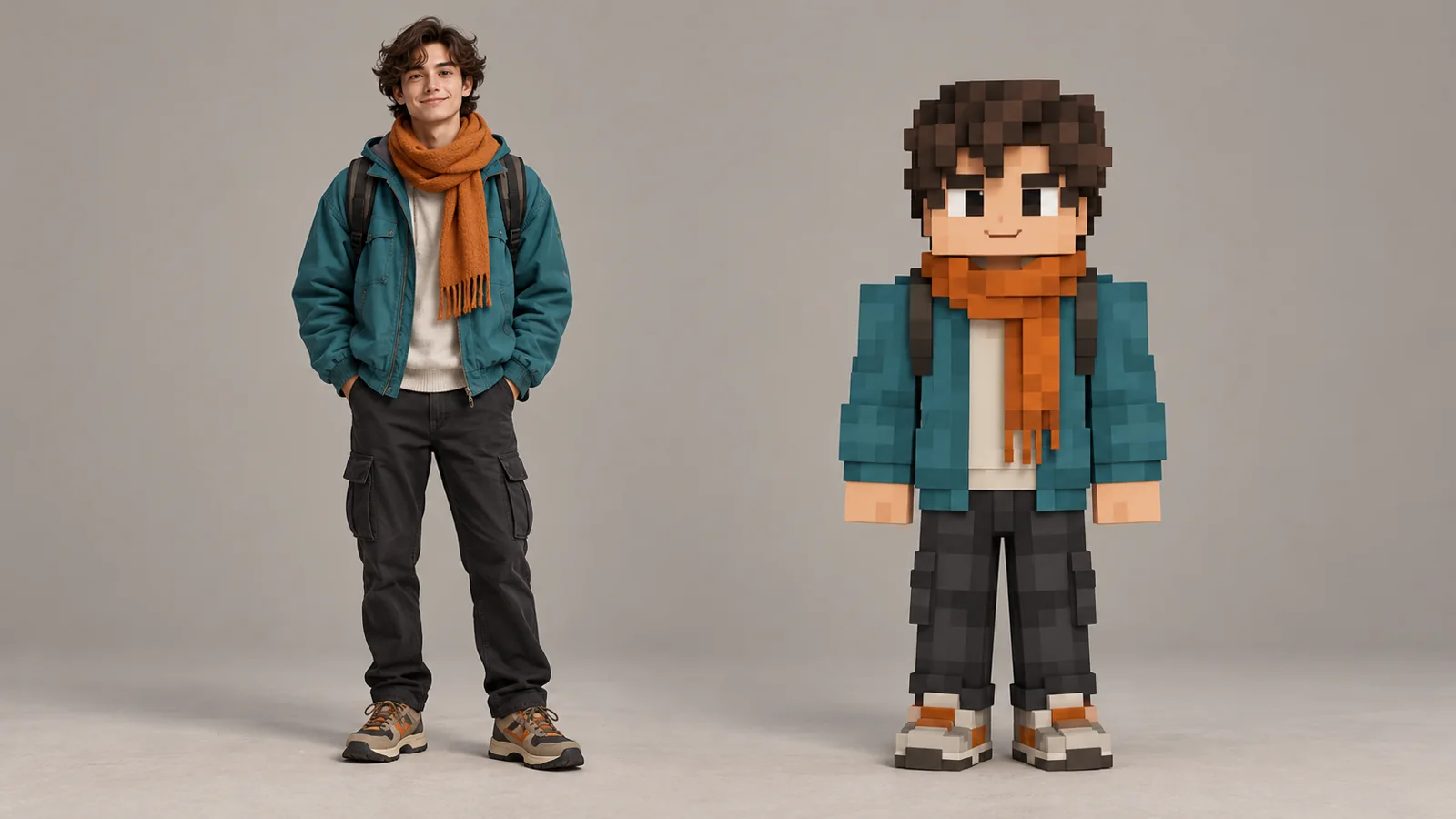
Create a blocky character concept from a recognizable portrait or mascot. Keep the color palette legible at social thumbnail size. Upload a portrait, mascot or character reference. The generator creates a blocky character concept image; inspect the full-body silhouette and clothing colors after generation.
Create Minecraft SkinHow to use Image to Minecraft Skin
Plan the image for avatar posts, creator branding, and themed campaigns. Start with a suitable reference and use the live generator above.
1. Choose one character
Use a clear image of one person, pet, mascot, or fictional character. Note the most important colors and clothing details.
2. Set the character direction
Ask for a full-body front view and a simple background. Name the details you want to retain.
3. Review the concept image
Check that the face, clothing colors, arms, and legs read clearly. The output is an image concept, not a game-importable skin file.
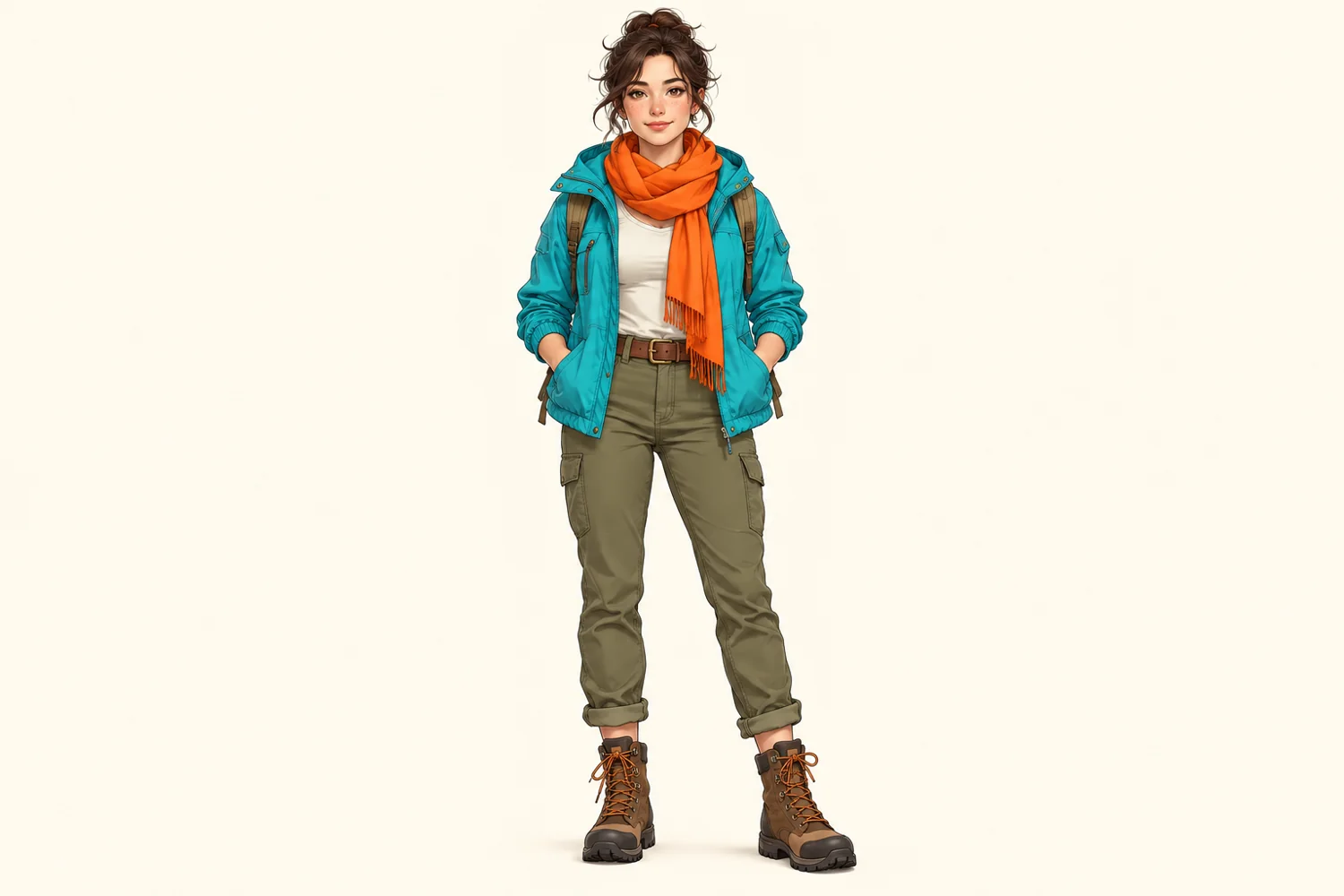
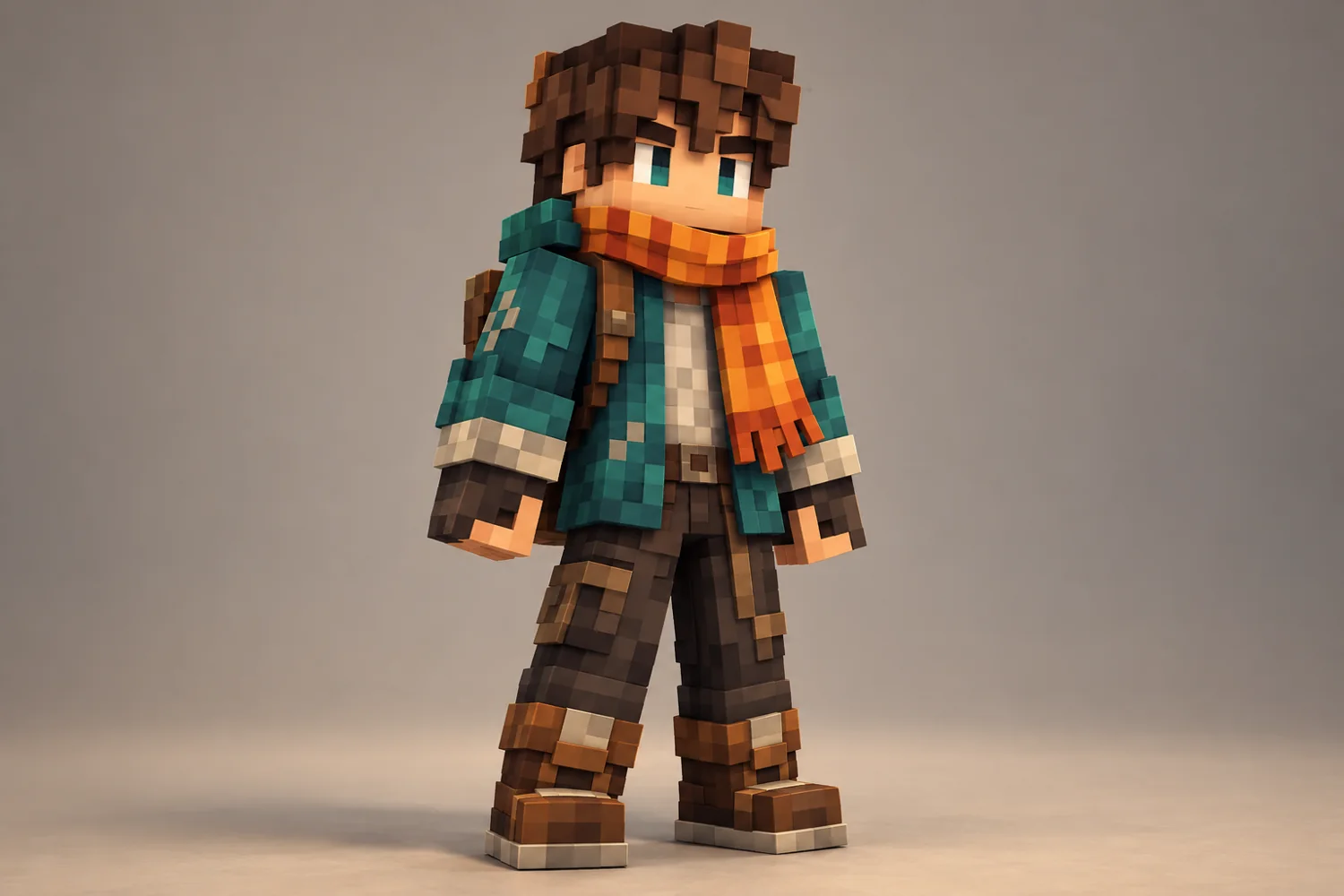
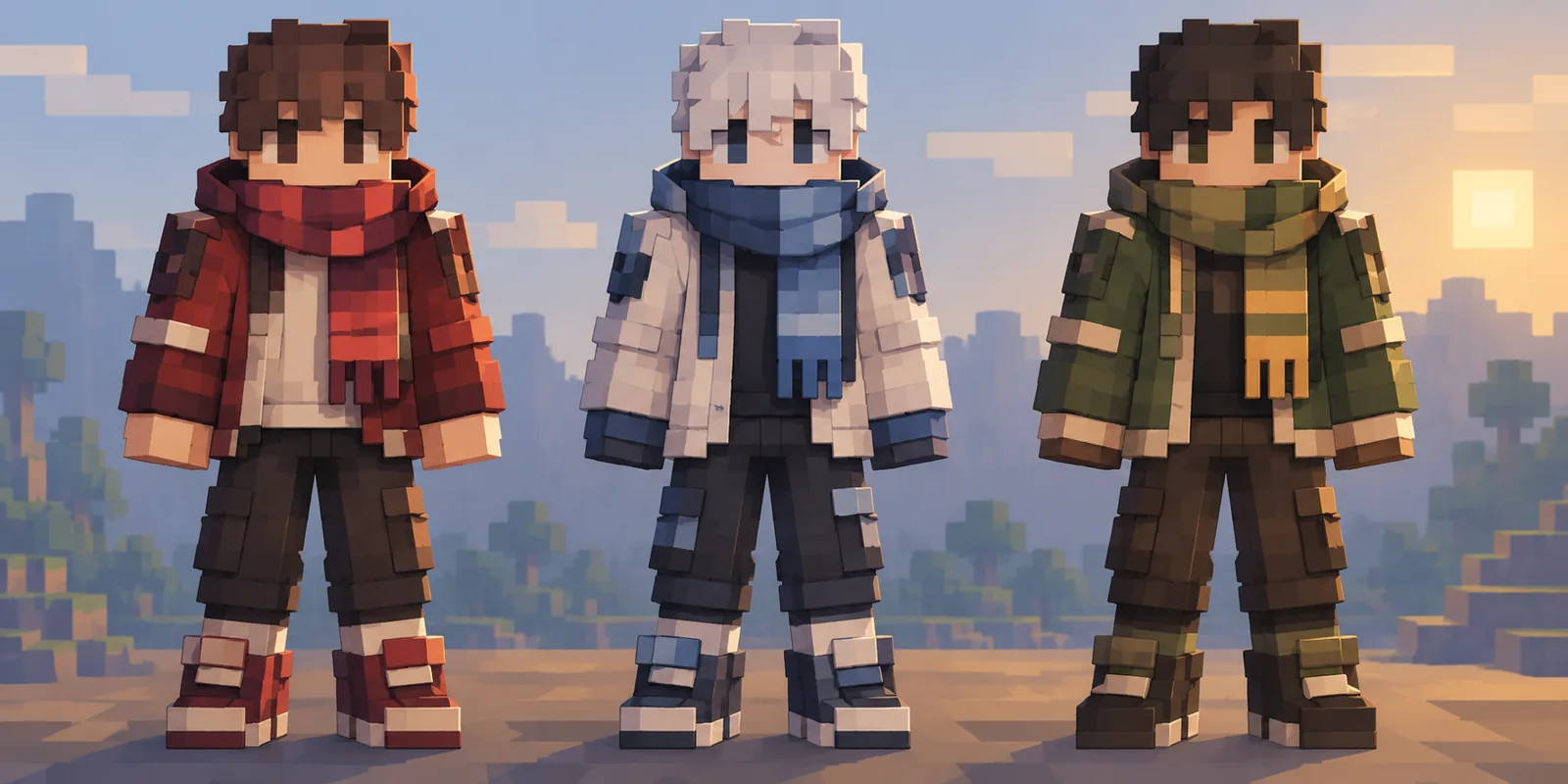
Clear single-character reference, Front-facing blocky character and Color variation study
Ideas for SocialImage
A character for a social series. This workflow suits avatar posts, creator branding, and themed campaigns. Keep the main subject visible and use one image direction per generation.
Image to Minecraft Skin FAQ
Does this export a Minecraft skin file?
This generator produces a character concept image. It does not export a game-importable texture file.
What reference works best?
Use one clearly visible subject and describe the clothing colors you want the image to keep.
Where can I make a matching scene?
Open Minecraft Pixel Art on this site to create a scene or backdrop for the character.
Related image tools
Continue with another image direction on this site.
aisocialmediapostgenerators.com · Updated
What's new on this page
- — Added an image generator, visual examples and guidance for this creative task.