
An invitation people can read quickly
Instagram Event Flyer Maker
Create your flyer image
History
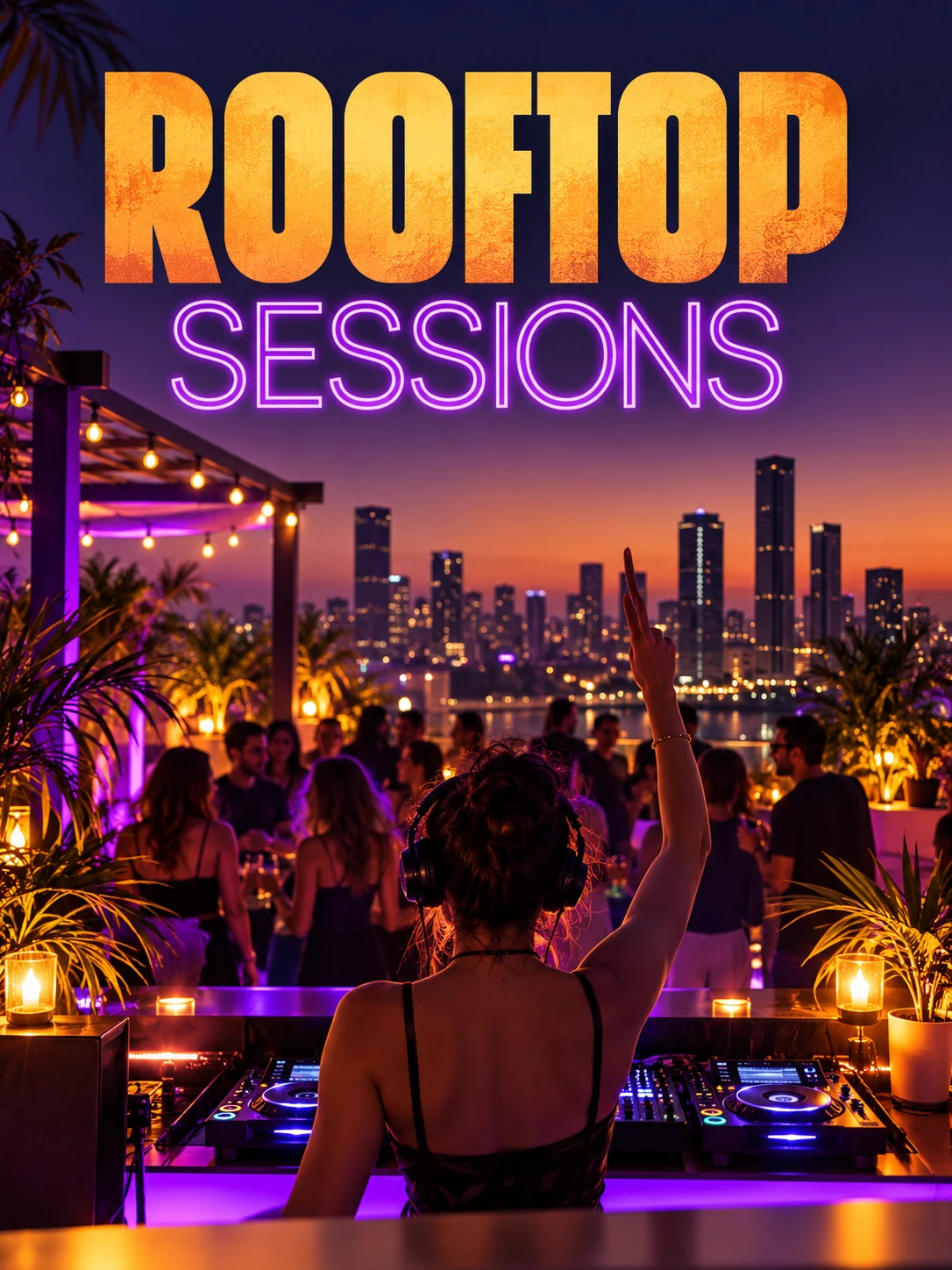
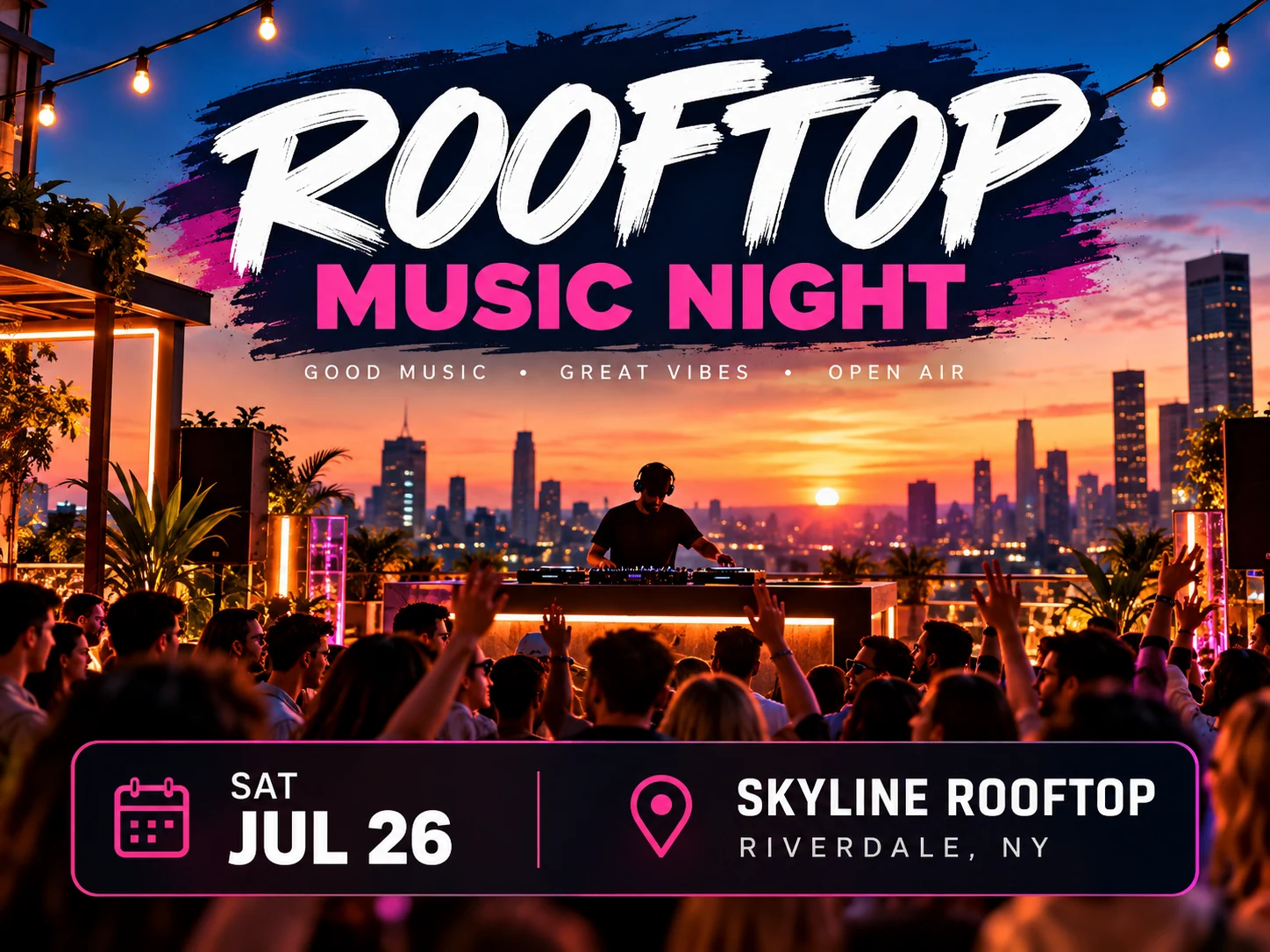
Make an event flyer image for an Instagram post or Story. Give the event name, date, start time, venue and one way to respond. Use Text to Image for a new visual direction or Image to Image with a venue or performer reference.
Create your flyerHow to make your flyer
Confirm the event details
Collect the exact event name, date, time, venue and booking instruction. Replace every sample detail before generating; the preset describes a fictional event.
Choose a visual direction
Describe the atmosphere and audience, or switch to Image to Image and upload a suitable venue or performer photo. Use only media you are entitled to publish.
Choose the format and generate
Select a supported square or vertical ratio in the controls. Keep the title and venue away from the edges and review the displayed credit quote.
Verify before inviting people
Read the date and time against your event listing. Check the venue spelling, booking instruction and crop in the Instagram preview before you publish.
Leave room for the interface and the invitation
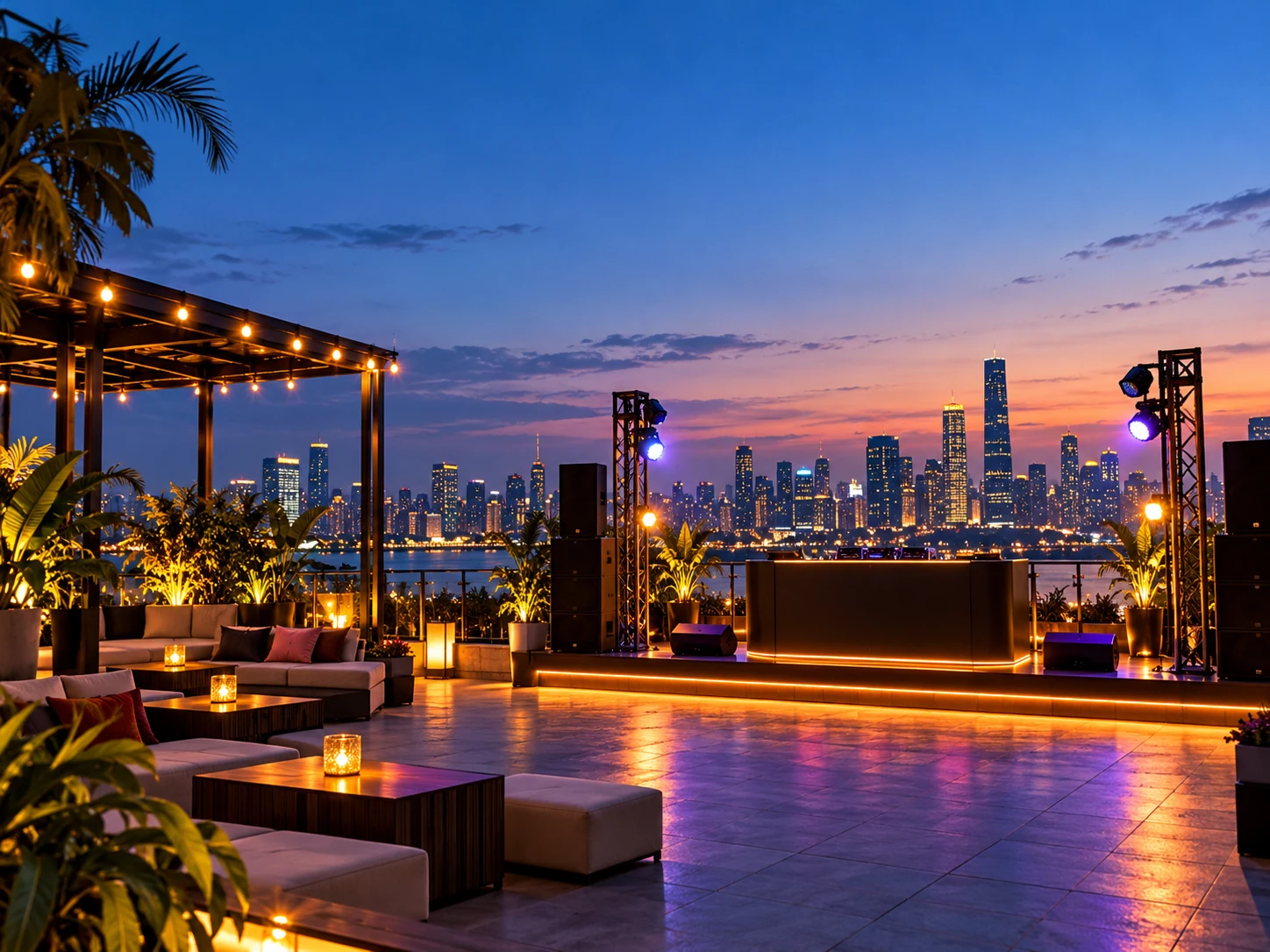
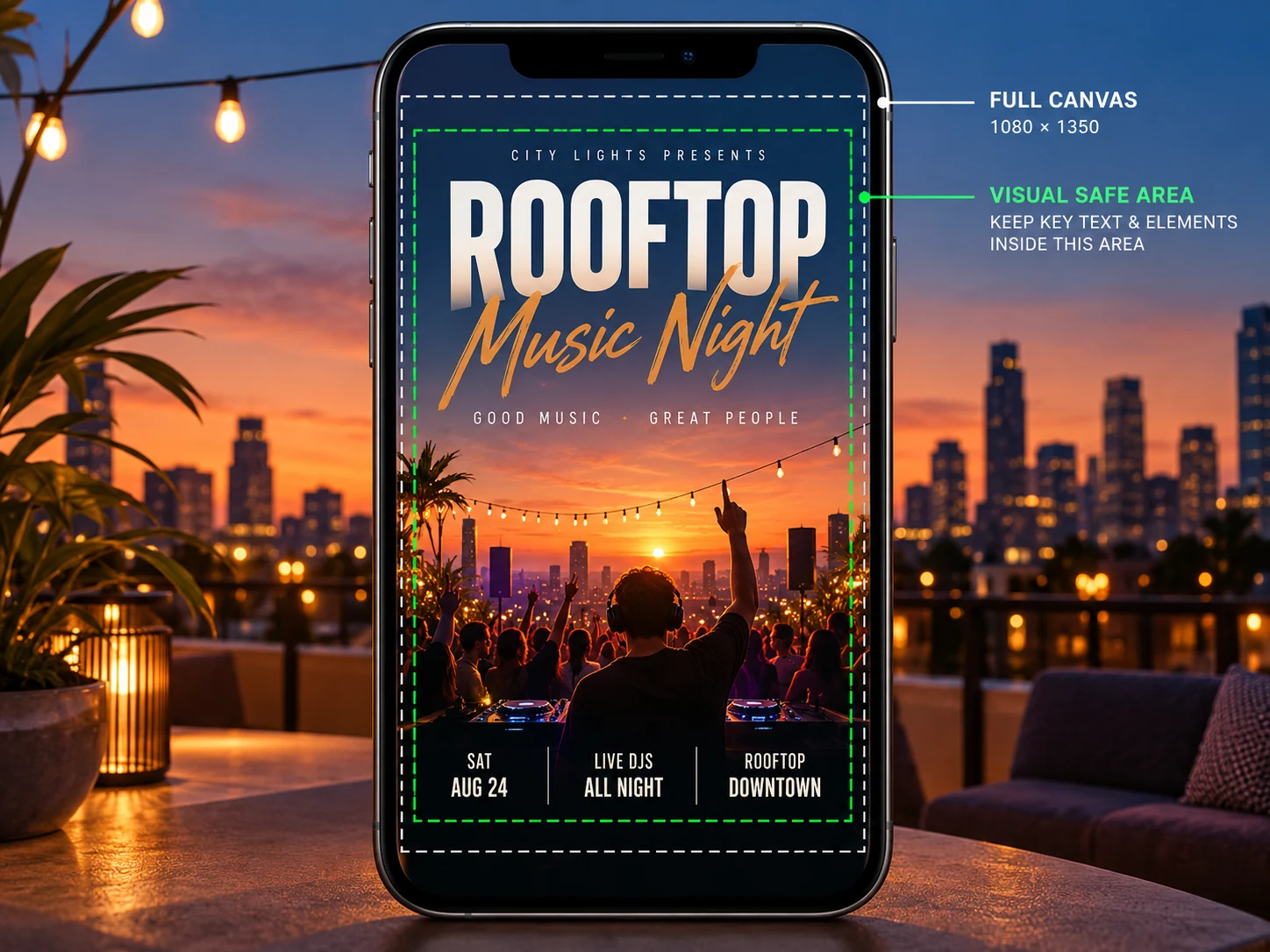
Put the event name and practical details in the central reading area, with generous space above and below. Keep decorative lighting behind the subject rather than behind the address. Interface overlays vary, so use the app preview instead of treating a fixed pixel margin as a guarantee.
Start with this prompt
Replace the sample details with your own. Edit the prompt in the generator and choose the actual aspect ratio in the settings.
Design an event flyer for a rooftop music evening. Exact text: "ROOFTOP SESSIONS", "FRIDAY 7 PM", "THE TERRACE", "BOOK YOUR SPOT". Warm sunset sky, understated stage lighting and a refined dark plum palette. Make the event title dominant and the time and venue clearly readable. Keep essential text comfortably inside the frame, leave open space near top and bottom, no extra text, no logos. Compose for the selected aspect ratio.
Choose a direction for your campaign
Live performance
Give the performer or event title priority. Let a single stage image carry the mood while the time and venue remain clear.
Workshop registration
Use a calmer composition with the topic, date and one registration instruction. Put schedules and detailed requirements in the post caption.
Community fundraiser
Explain the activity and cause plainly. Verify donation details separately and avoid cramming multiple payment instructions into the artwork.
Questions before you generate
Can this create an animated event flyer?
This page creates still images. It does not add animation, music or a video export.
Will the generated image include a working booking link?
Text drawn into an image is not a clickable link. Add the actual booking destination with the tools available in your post, profile or Story.
Do I need to upload an image?
Text to Image needs only a prompt. Choose Image to Image to add a reference through the upload control. Accepted formats and reference limits depend on the selected model.
What does generation cost?
Check your account balance and the live credit quote for the selected model and settings before generating. Free access or credits depend on your current account offer.
When can I download the image?
Processing time varies by model and queue. Follow the task in History, open the completed image, then use the available download action.
Can I edit individual text layers?
The result is an image, not an editable design file. Check every letter, date and number. Adjust your prompt or use an available Image to Image model for another version.
Continue your campaign
aisocialmediapostgenerators.com · Updated
What's new on this page
- — Added an image generator, visual examples and guidance for this creative task.