
SOCIALIMAGE MOTION GUIDE
Doja Cat Juicy AI Dance for an Original Social Clip
Plan your social dance clip
Watch the studio dance demonstration
History
Loading history…
Create an original social-video concept around the Doja Cat Juicy AI dance theme. Upload one person photo, choose a clear scene and optionally add a movement video. Keep the lead visible and the direction concise. The workflow does not supply the original song, a celebrity likeness or a guaranteed copy of a named dance.
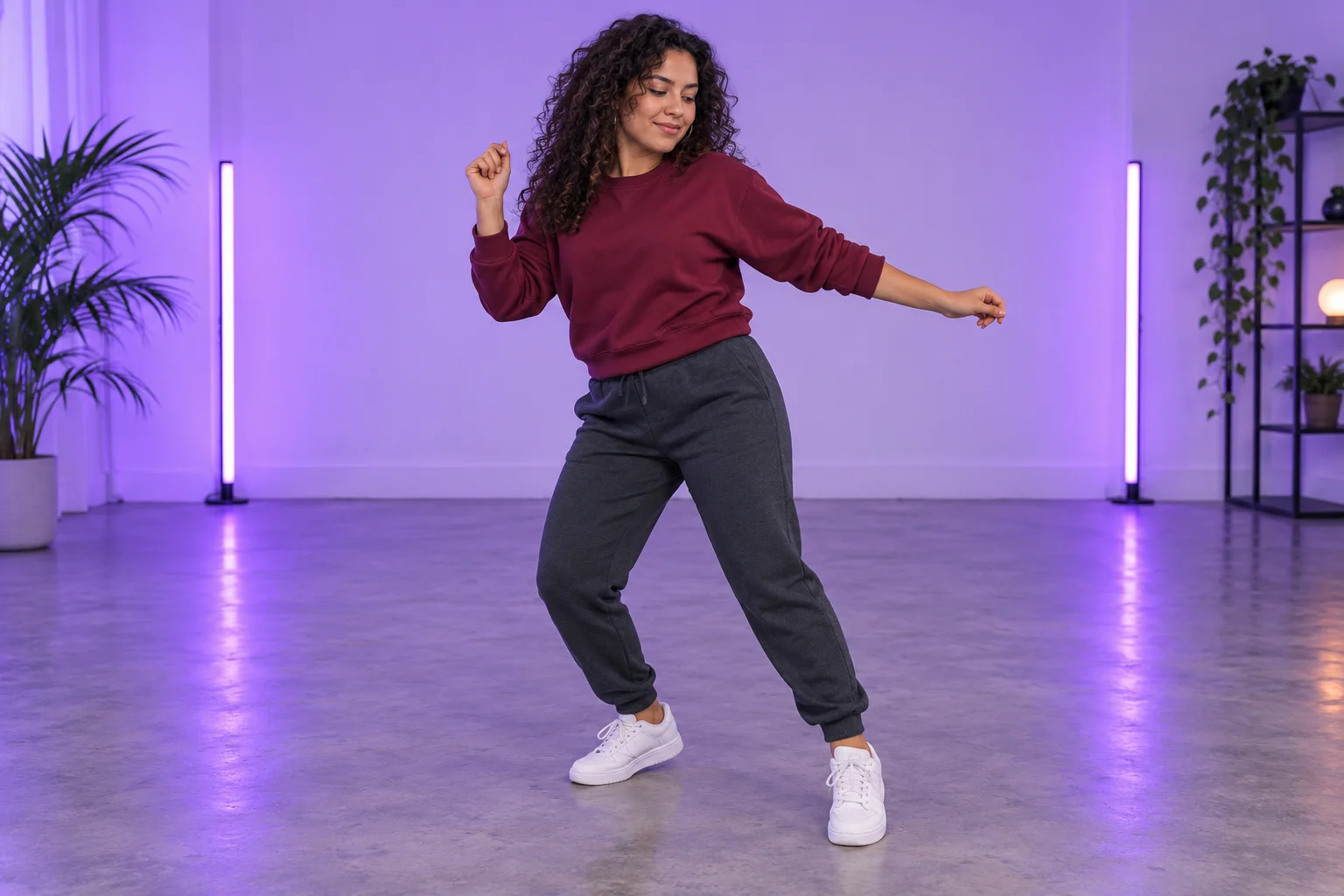
Design for a viewer who sees the whole person
A social clip may be watched on a small screen, so choose a composition where the face and body outline remain distinct. The burgundy outfit and violet studio concept give the lead contrast without filling the background with distracting detail.
Decide what the short scene should communicate: a confident introduction, a relaxed pause or a playful transition. One clear intention is easier to judge than several unrelated dance instructions. The demonstration shows a possible studio framing; it is not an automatically selected video reference or evidence of your future result.
Make your clip step by step
- Choose one person and the role the dance clip will play in your post.
- Add a clear person photo; optionally sign in and upload a movement reference.
- Inspect the video preview if present, refine the scene note and review the current quote.
- Generate, follow History and check the entire take before downloading for your edit.
Prepare a reference that remains readable
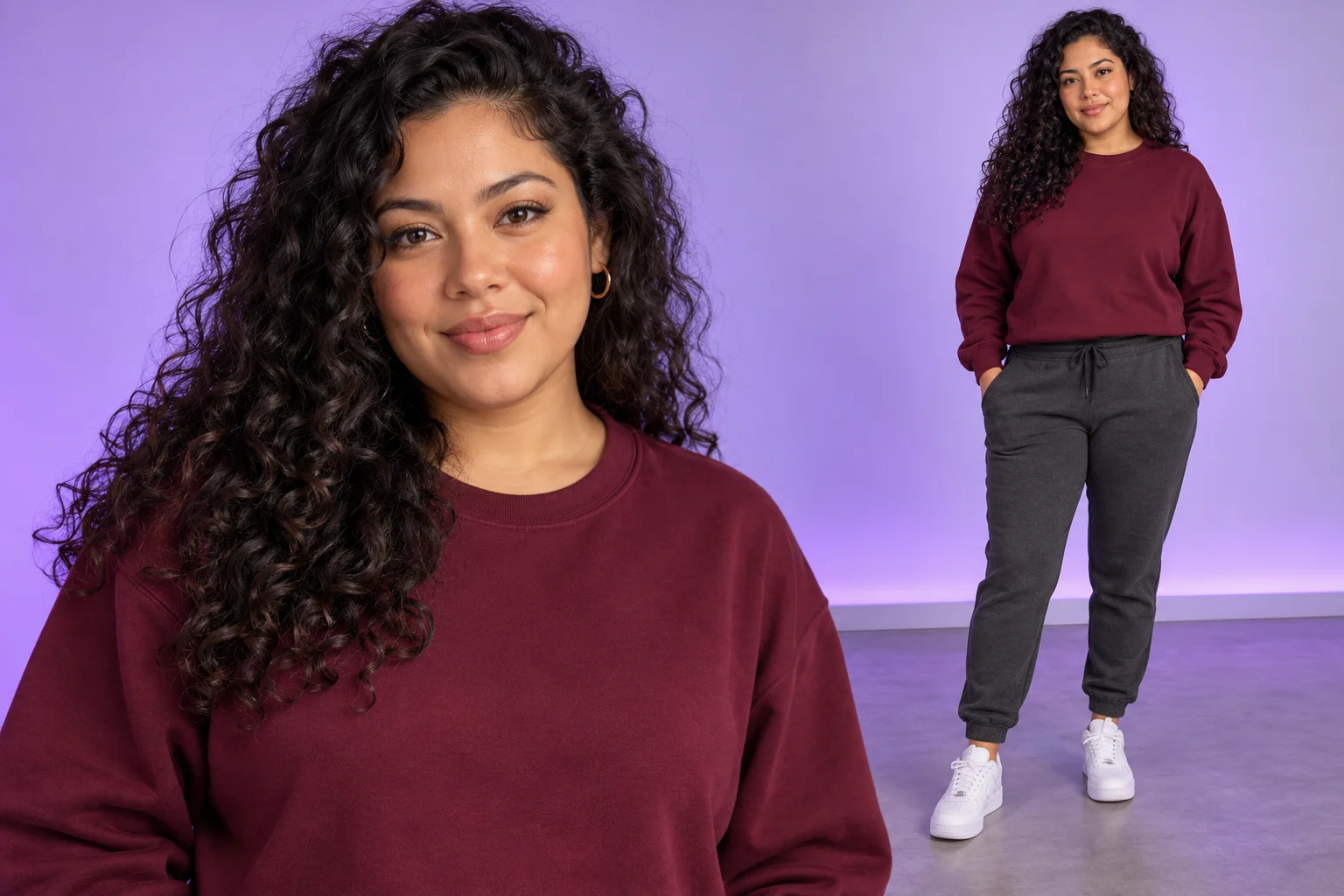
Choose a well-lit single-person photo with clear eyes and visible clothing. A wider view can communicate proportions and footwear, while a tight face crop leaves those details open. Avoid hands over the face, several overlapping people or strong filters that alter the features.
The form provides one lead image slot. It does not assign separate characters to separate parts of a routine. Keep the photo focused on identity, then use text for the setting and an optional video for movement. If you want a specific sweatshirt or hairstyle to remain recognizable, show it clearly rather than listing many small details.
Choose between written and video-guided movement
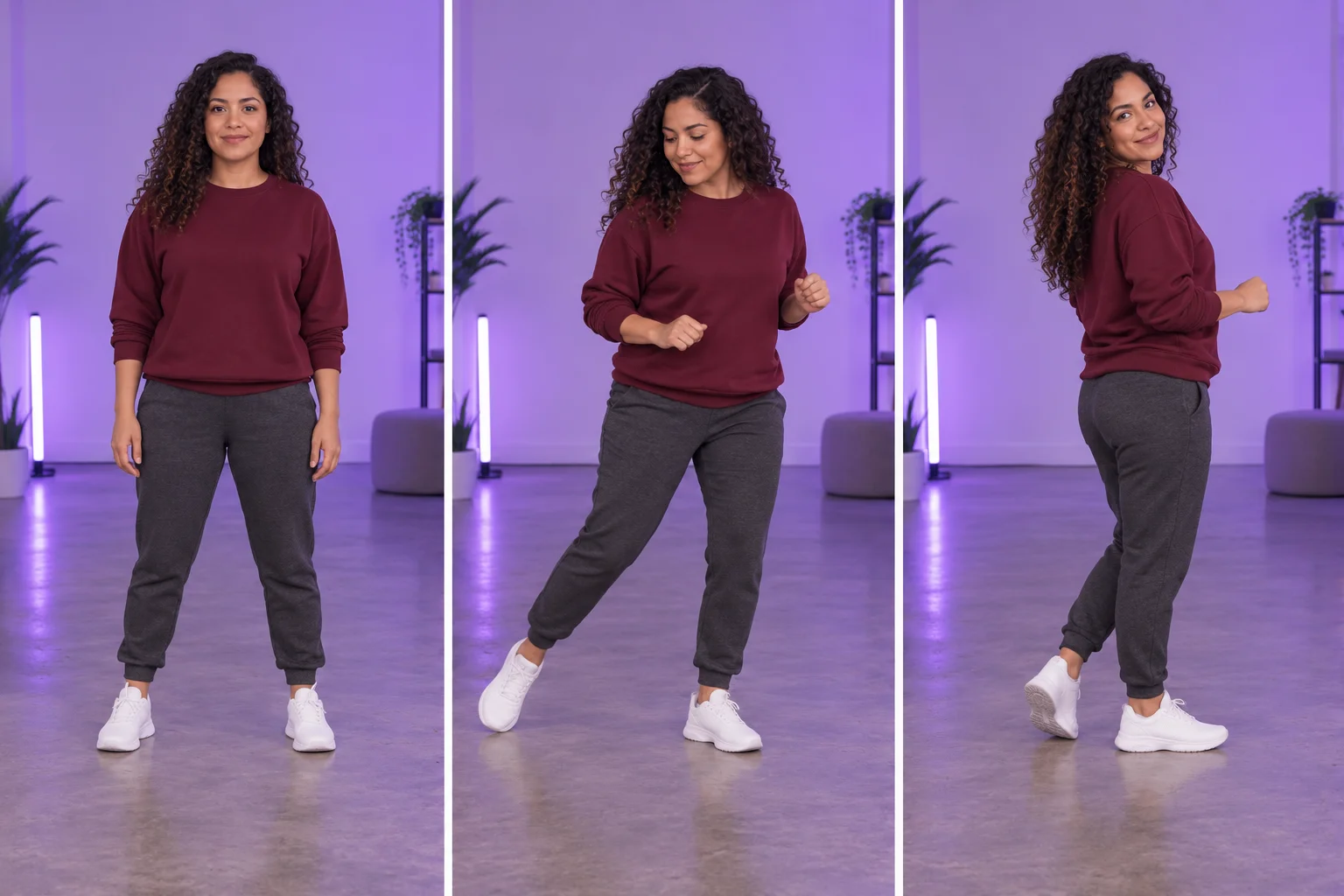
For a simple idea, leave the optional video empty and describe a few gestures: “Relaxed side steps, a small turn, steady full-body framing.” If timing is difficult to explain, sign in and upload a compatible MP4 or MOV with a clear single dancer. Check the accepted preview before generating. Your uploaded clip must last 2–15 seconds, use 24–60 fps and be no larger than 32 MB.
Uploading changes the inputs used for the request and can change the quote. Removing the clip returns to written movement direction. Keep camera cuts, multiple dancers and heavy occlusion out of a reference when possible. The displayed demonstration stays separate from this upload choice; the page does not attach it on your behalf.
Review before choosing a social edit
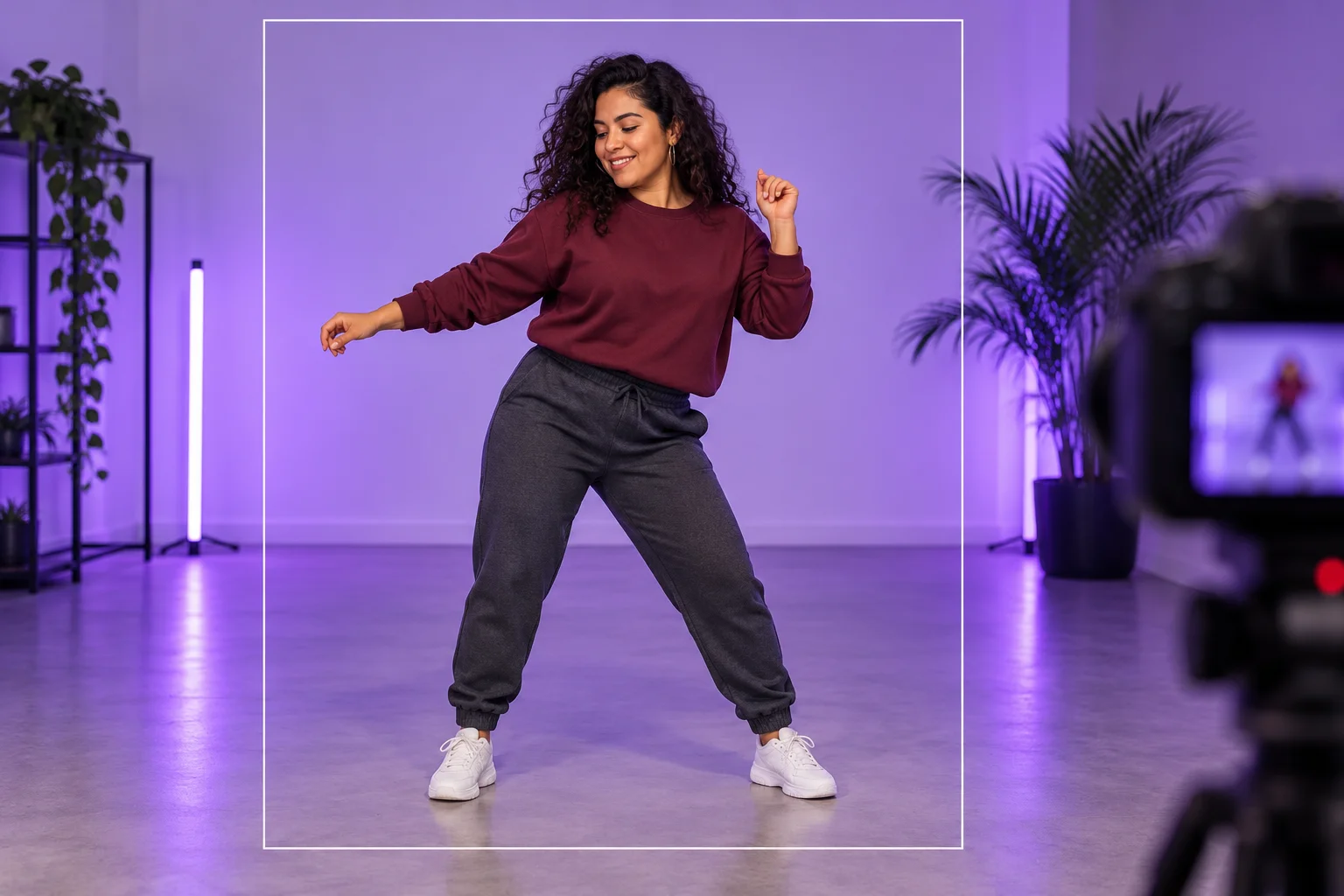
Watch the result at normal speed, then check the face, hands and feet during the fastest changes. Look for clothing that remains stable and enough space around the limbs. If a hand leaves the frame or feet blend into the floor, simplify the scene or choose a clearer reference for another attempt.
Select an edit point from the actual movement rather than assuming it will land on a particular musical beat. Add any captions and soundtrack in your own editor after reviewing the clip. The form has no direct social publishing control, no specified commercial-track selection and no promise of automatic engagement or reach.
Where the scene can fit
A creator introduction
Give the person a brief, readable movement moment before other content.
A transition clip
Use a simple turn or step as an insert in a larger social edit.
A framing comparison
Compare portrait and wider composition ideas while keeping the lead clear.
Choose your next workspace
Doja Cat Juicy AI Dance questions
What inputs are needed for Doja Cat Juicy AI dance?
A person photo is required. Text direction and a compatible movement video are optional. The visible demonstration is not automatically included in the model request.
Can I make a clip without uploading video?
Yes. Use a short written movement description when no video reference is attached. The optional upload is for additional guidance, not a mandatory second input.
Will I receive the original song?
No particular recording is supplied or selected here. Add any soundtrack you are permitted to use in a separate edit; the effect name does not provide music rights or beat synchronization.
Can I publish directly from the form?
This workflow generates a clip and makes the result available through History. It does not schedule or publish the video to a social account.
Is a free trial guaranteed?
No. The current model requires purchase access and sufficient credits. Review the live quote after choosing settings and any movement reference.
How long is the output?
This page requests a 15-second clip. Rendering time is separate and depends on the service queue. Follow History for the actual status.
aisocialmediapostgenerators.com · Updated
What's new on this page
- — Added photo inputs, a motion reference preview and guidance for creating this video effect.