
Halloween feed portraits
Pumpkin Head Photoshoot
Create Pumpkin Photoshoot
History
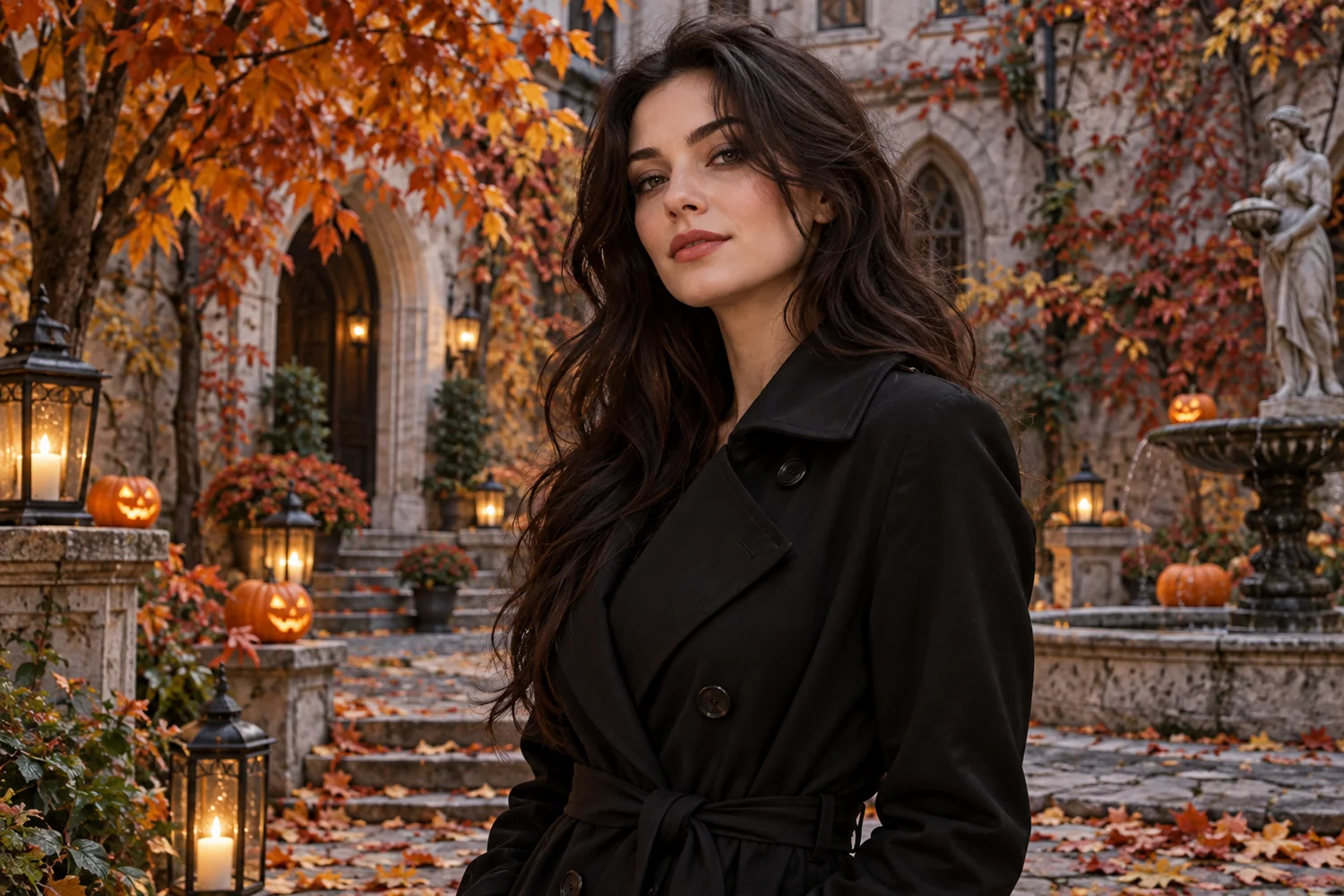
A seasonal social portrait can anchor a Halloween post. Keep the person’s outfit recognizable and choose either warm harvest light or a darker party mood. Upload one clear portrait. Choose a warm autumn or spooky Halloween direction in the prompt, then review the new head, clothing continuity, and background before saving.
Create Pumpkin PhotoshootHow to use Pumpkin Head Photoshoot
Plan the image for square posts, story covers, and event announcements. Start with a suitable reference and use the live generator above.
1. Pick a clear portrait
Choose one photo with a visible head, shoulders, and outfit. A simple pose makes the head replacement easier to evaluate.
2. Describe the mood
Request a carved expression, lighting direction, and background. Keep the prompt short enough to preserve the original pose.
3. Inspect the result
Check the pumpkin shape, neck transition, clothing, and hands. Adjust one detail at a time for another attempt.
Portrait directions to explore
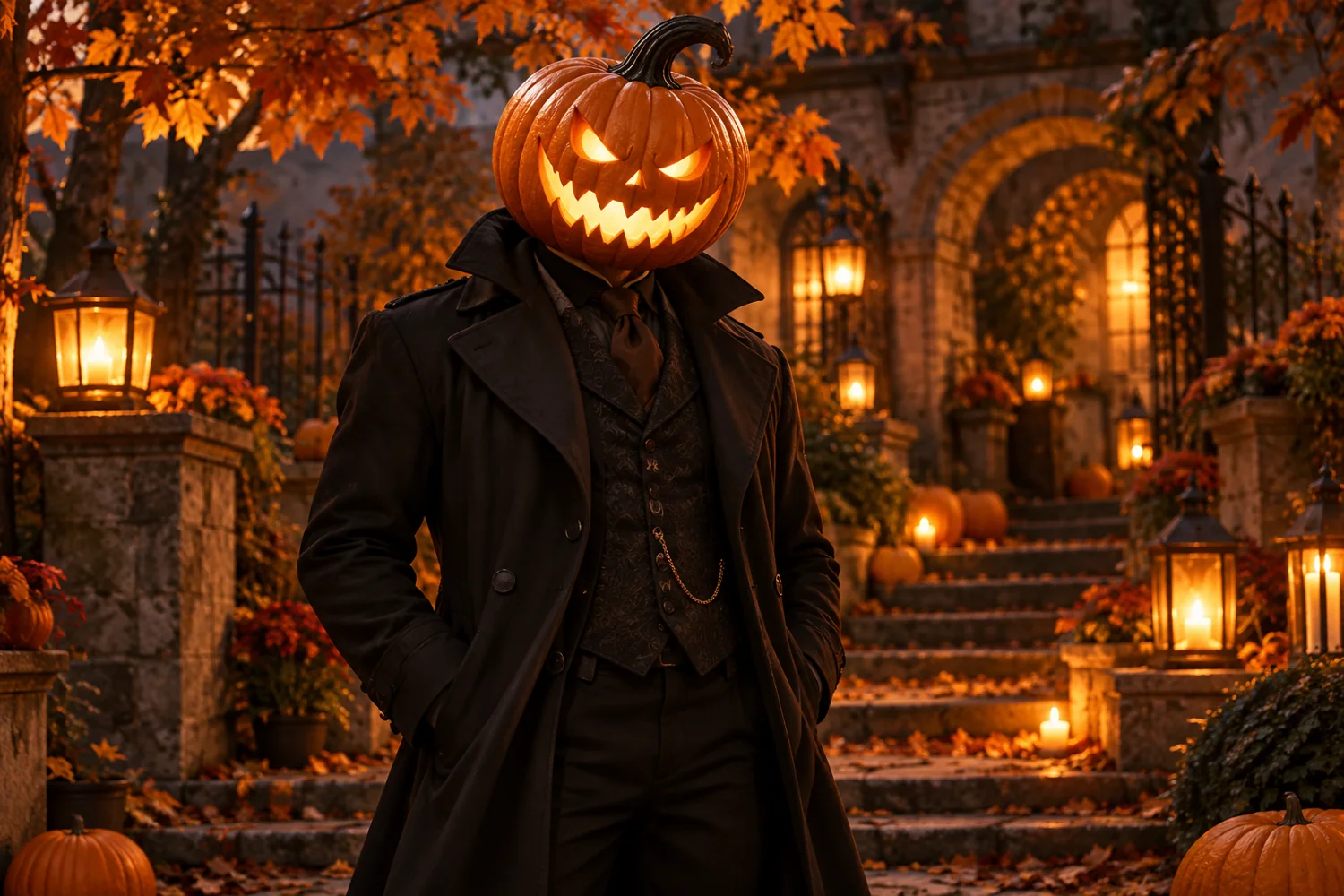
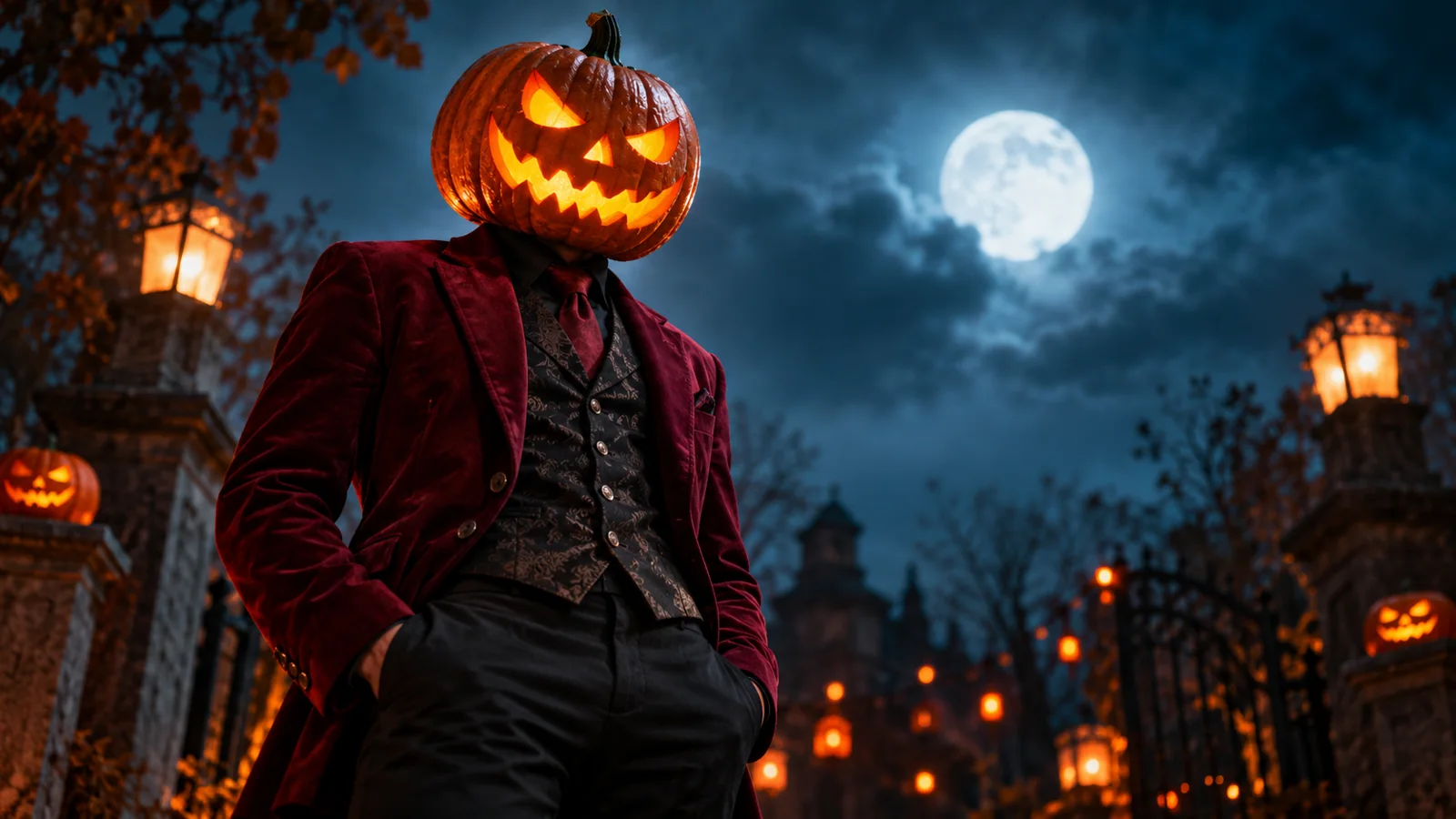
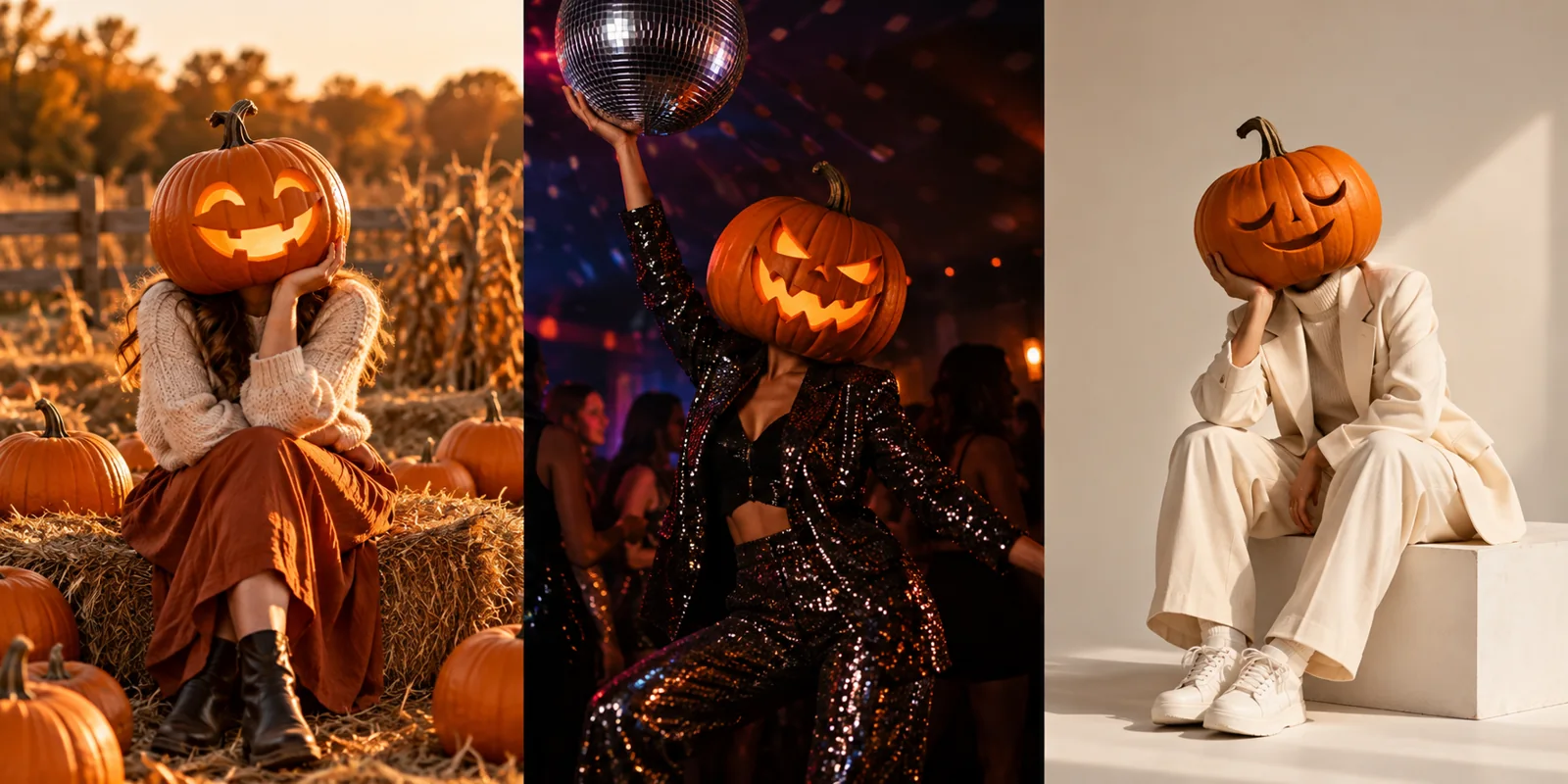
Ideas for SocialImage
Halloween feed portraits. This workflow suits square posts, story covers, and event announcements. Keep the main subject visible and use one image direction per generation.
Pumpkin Head Photoshoot FAQ
Do I need to upload a photo?
Yes. This page uses a reference portrait to guide pose and clothing.
Can I choose a scary or cozy result?
Describe the expression, lighting and setting in the prompt. Available controls depend on the selected image model.
How do I see the price and progress?
The generator shows the current quote before submission; task status and finished images appear in History.
Related image tools
Continue with another image direction on this site.
aisocialmediapostgenerators.com · Updated
What's new on this page
- — Added an image generator, visual examples and guidance for this creative task.