
Show the product, make the offer clear
Instagram Sale Flyer Maker
Create your flyer image
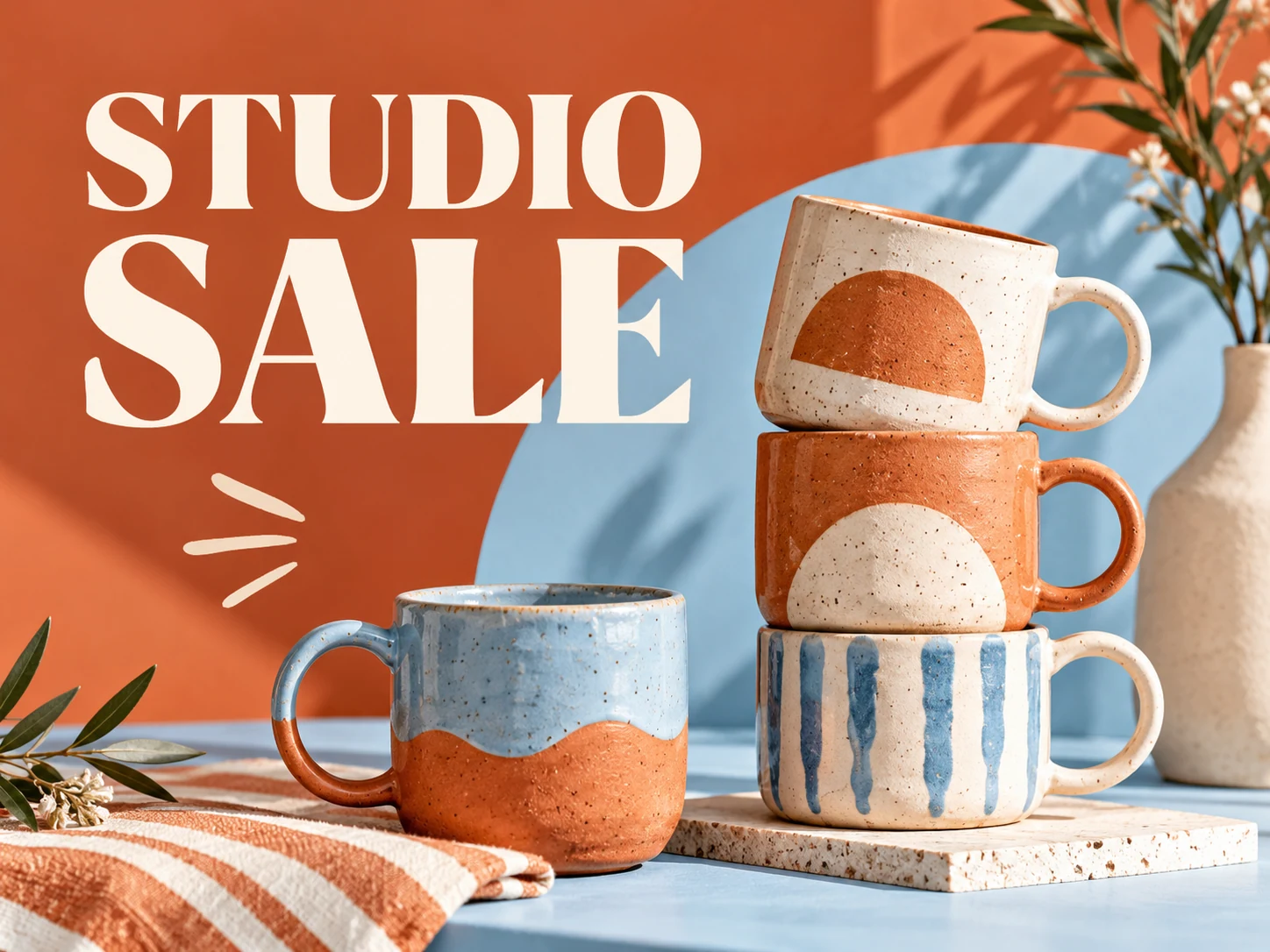
History
Create a sale flyer image for an Instagram promotion. Start with one product or collection, the exact offer and its end date. Add a reference photo in Image to Image when the product appearance matters, then verify the price and terms before using the image.
Create your flyerHow to make your flyer
Define the offer precisely
Write the actual discount or price, eligible items and end date. Replace the sample offer with your own verified promotion before generating.
Prepare a product reference
Use Image to Image and upload a clear product photo if you need a specific item represented. Describe which features matter and compare the result with the original.
Keep price and deadline readable
Give the offer a strong position and the deadline enough contrast. Choose a supported image ratio and review the credit quote before starting.
Check the promotion as a whole
Verify every number and product detail. Put full conditions in the caption or destination page and preview the image in the app before posting.
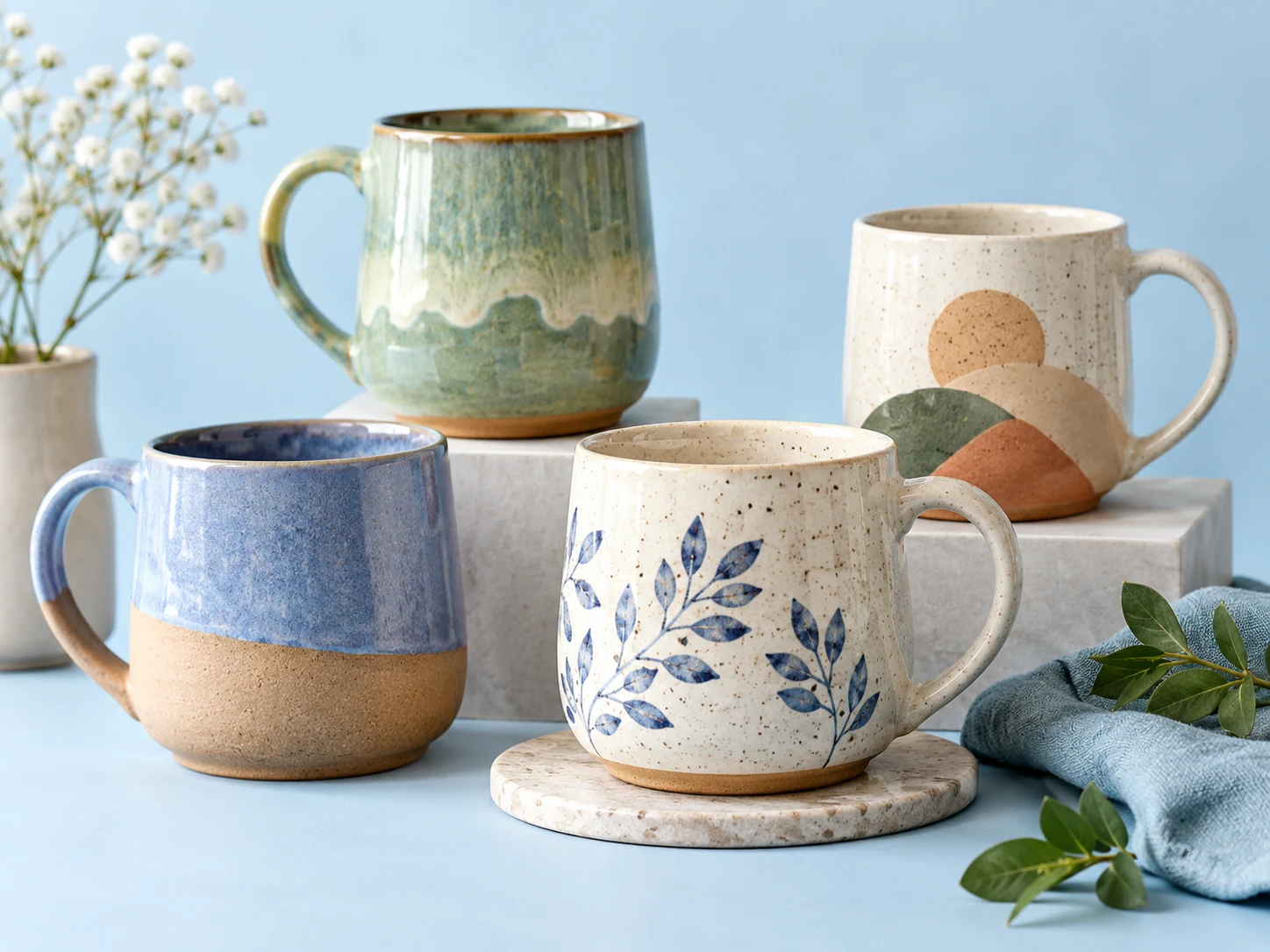
Protect the facts while exploring the look
AI can change packaging, colors and lettering. Treat the product photo as a reference rather than a guarantee of an exact reproduction. Check the item, price, discount wording and deadline together. Do not add a crossed-out price, certification or scarcity claim unless it is accurate for your offer.
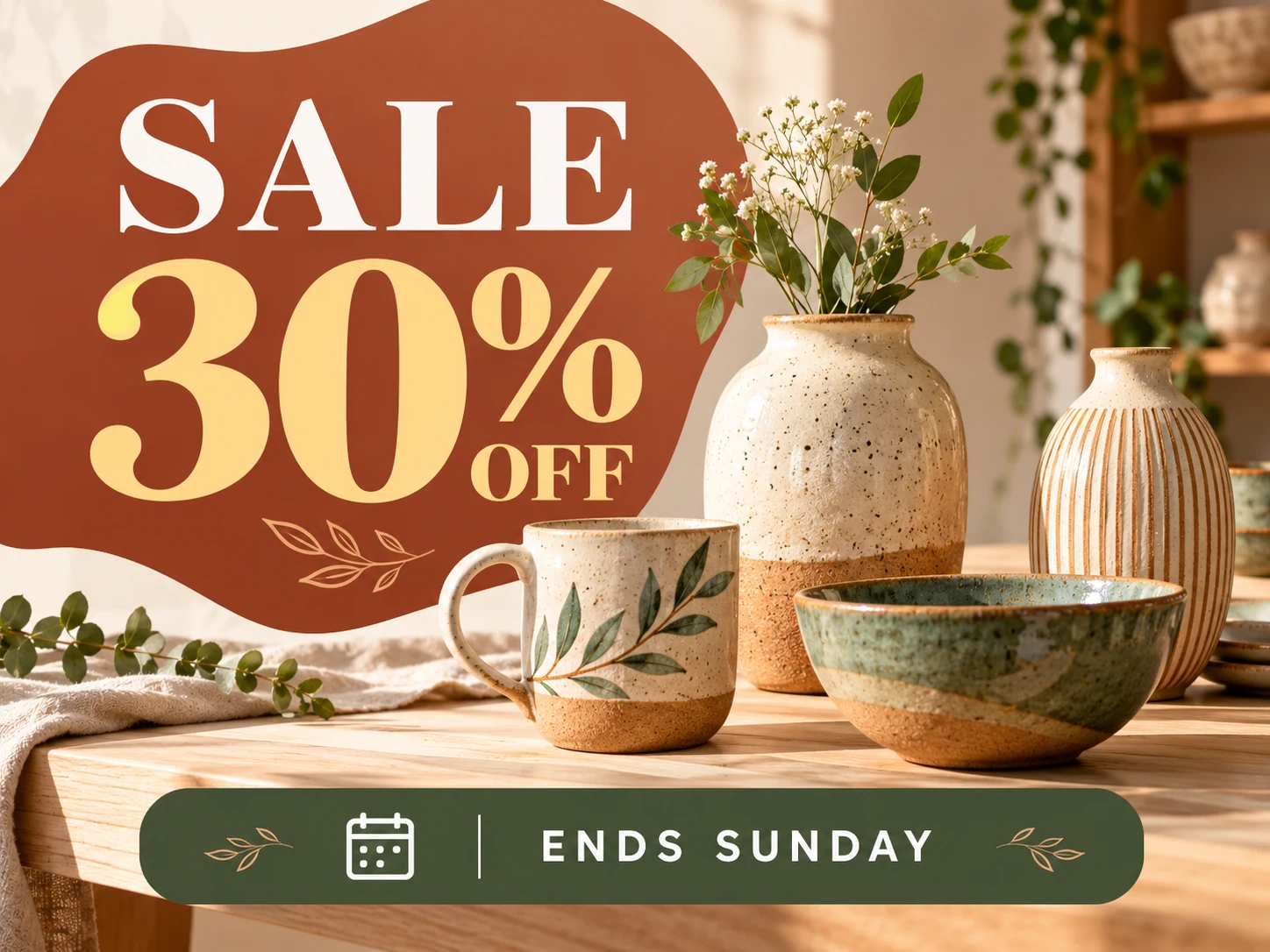
Start with this prompt
Replace the sample details with your own. Edit the prompt in the generator and choose the actual aspect ratio in the settings.
Create a refined social sale flyer for a handmade ceramics shop. Exact text: "STUDIO WEEKEND", "20% OFF SELECTED MUGS", "ENDS SUNDAY", "SHOP THE COLLECTION". Feature a sage ceramic mug on a pale stone pedestal, warm natural shadows and restrained cream typography areas. Make the offer prominent and the end date clearly readable. Keep all text inside generous margins. No additional prices, no logos, no invented certification badges. Compose for the selected aspect ratio.
Choose a direction for your campaign
Weekend collection sale
Show a hero item with a single collection offer. Keep eligibility clear so viewers know which products the discount covers.
Seasonal shop promotion
Use a coordinated palette and a short promotional headline. Place detailed exclusions in the caption or store page.
New customer offer
State who qualifies and what action is needed. Check the code carefully and include the full terms in an accessible destination.
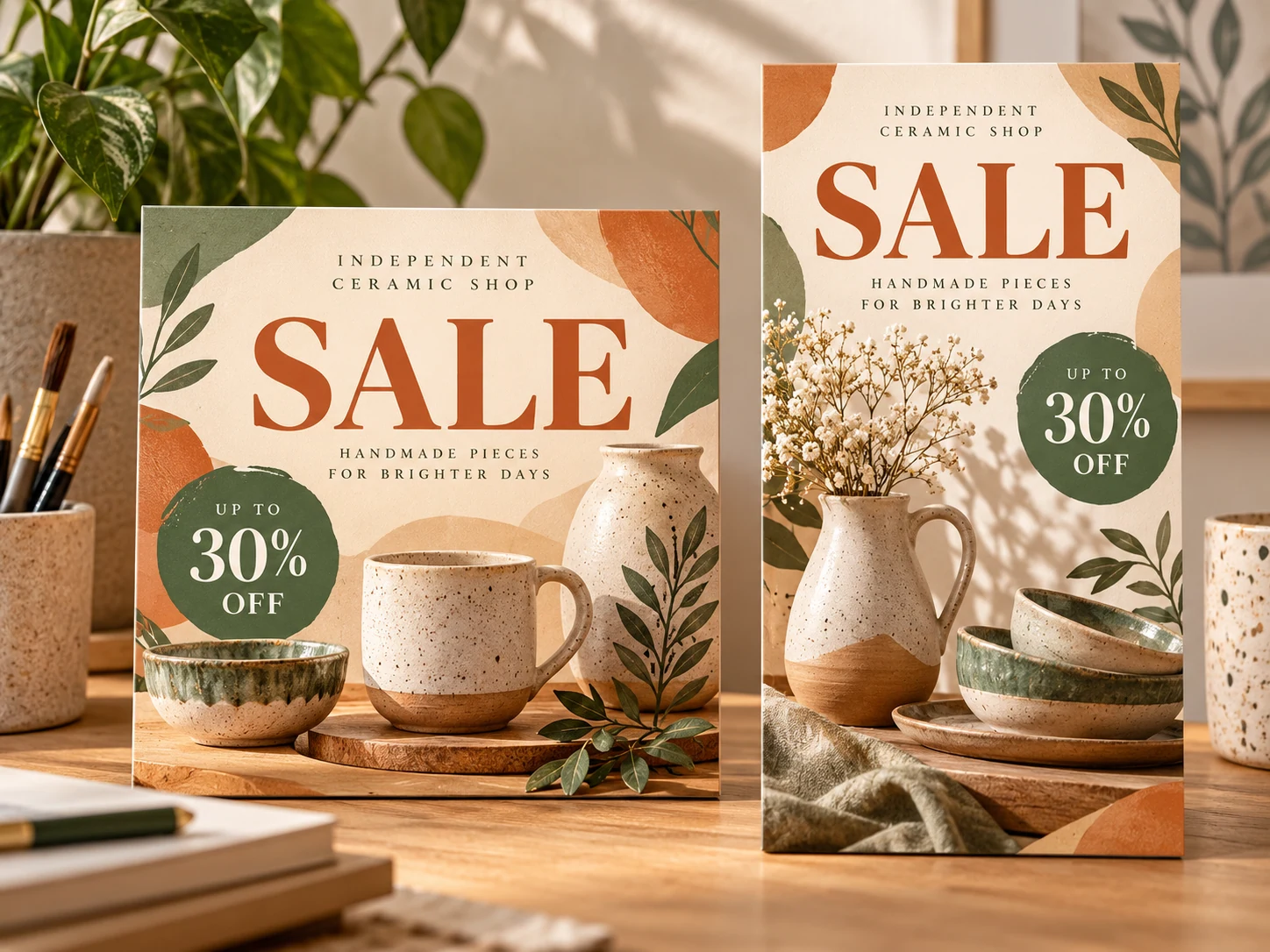
Questions before you generate
Can I add my own product photo?
Yes, when you select Image to Image and an available model that supports references. Upload through the visible control and check the product against the original after generation.
Will the flyer connect to my store or update prices?
No. The tool creates an image from your instructions. You manage product links, current prices, stock and publishing separately.
Do I need to upload an image?
Text to Image needs only a prompt. Choose Image to Image to add a reference through the upload control. Accepted formats and reference limits depend on the selected model.
What does generation cost?
Check your account balance and the live credit quote for the selected model and settings before generating. Free access or credits depend on your current account offer.
When can I download the image?
Processing time varies by model and queue. Follow the task in History, open the completed image, then use the available download action.
Can I edit individual text layers?
The result is an image, not an editable design file. Check every letter, date and number. Adjust your prompt or use an available Image to Image model for another version.
Continue your campaign

aisocialmediapostgenerators.com · Updated
What's new on this page
- — Added an image generator, visual examples and guidance for this creative task.