
One performer, one readable action
Bottle Kick Challenge AI Video
Make your bottle-kick clip
Watch the action reference
History
Loading history…
Put a performer from your photo into a Bottle Kick Challenge video guided by a fixed action reference. Upload one clear image, add optional style notes, and check the live quote. You do not need to film yourself performing the kick.
Make your bottle-kick clip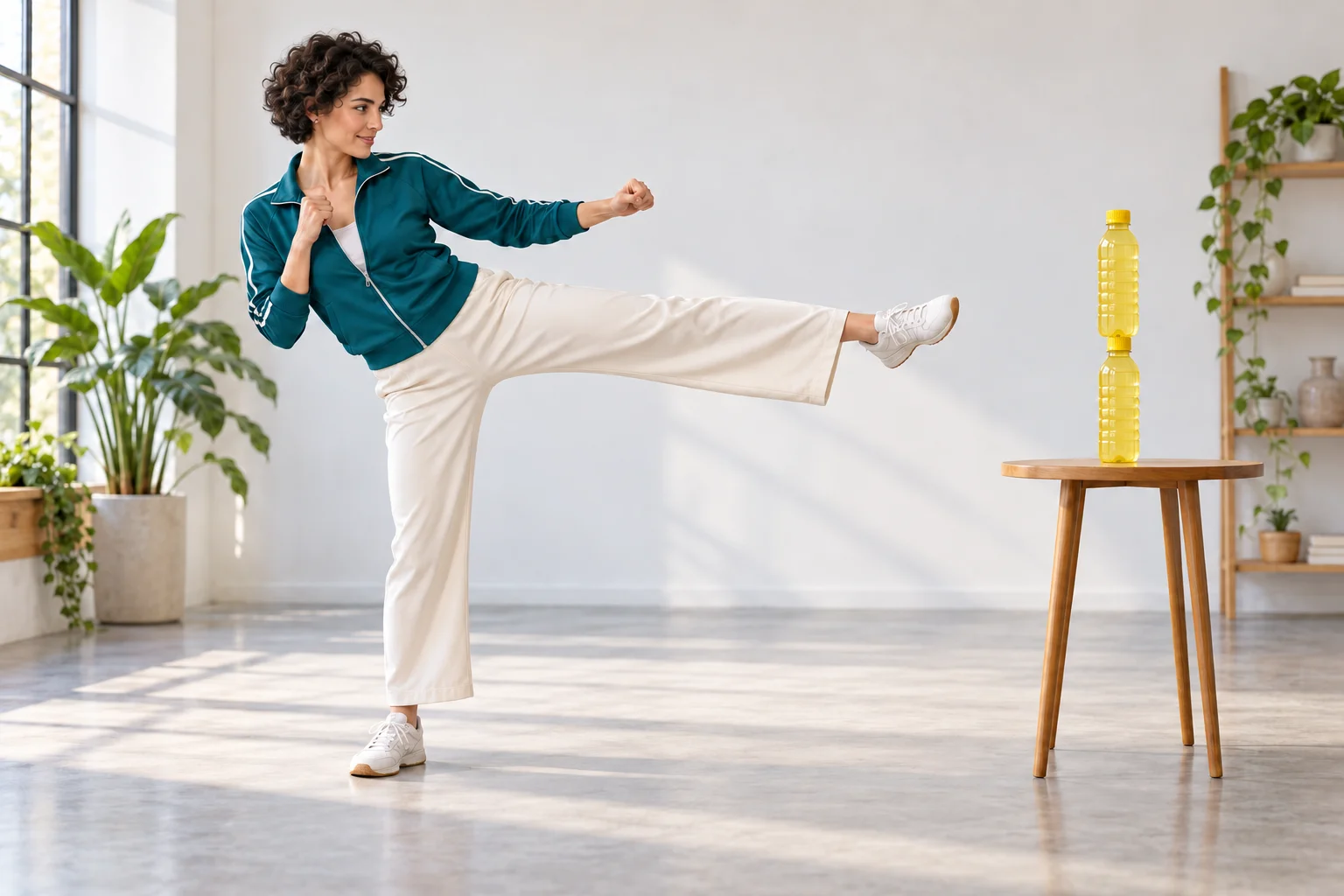
Choose a photo that gives the motion room
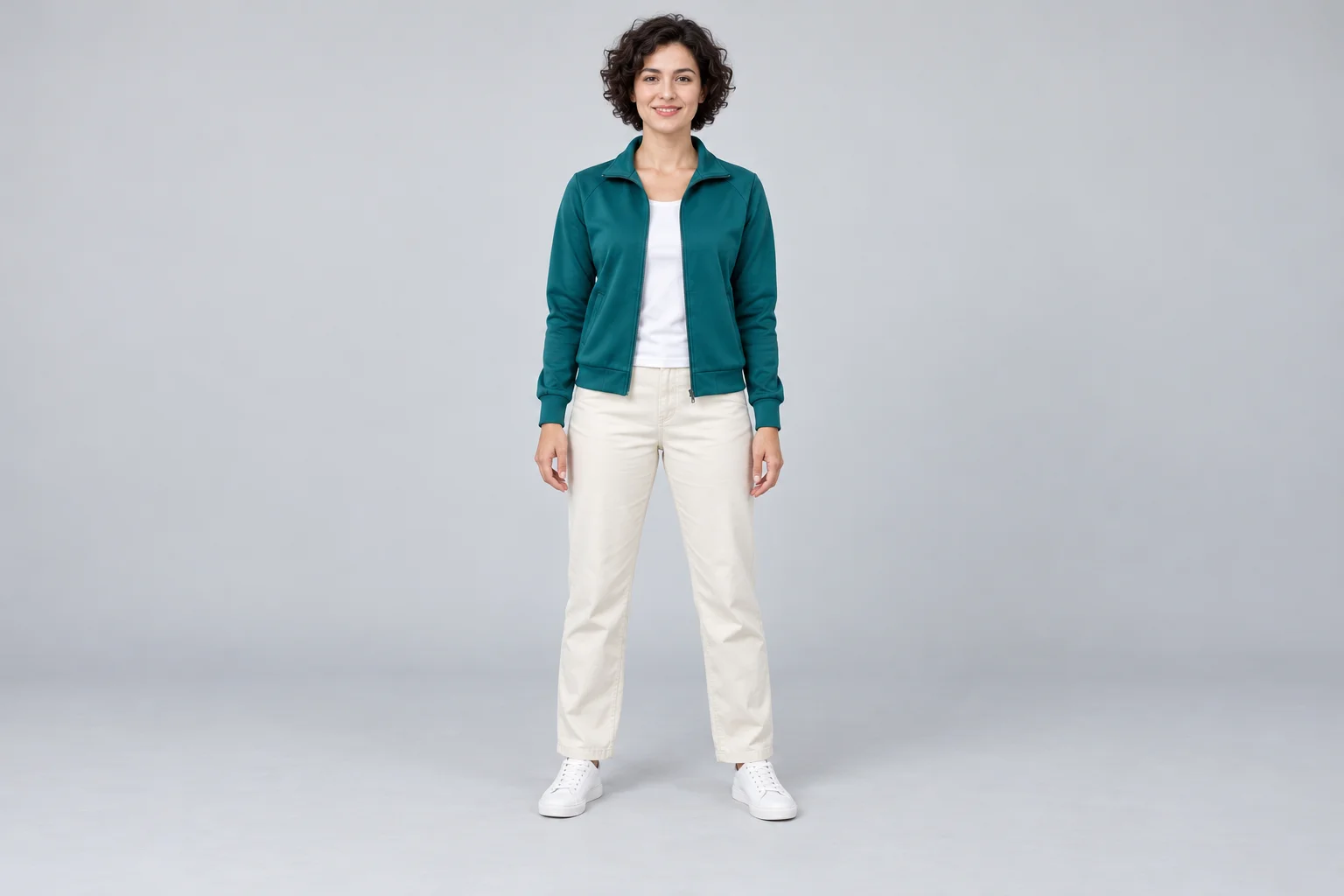
The uploaded image is the performer reference. A clear face helps establish identity; a visible torso and legs give the model more useful appearance information for a full-body action. Avoid tiny subjects, overlapping people and clothing hidden behind large objects.
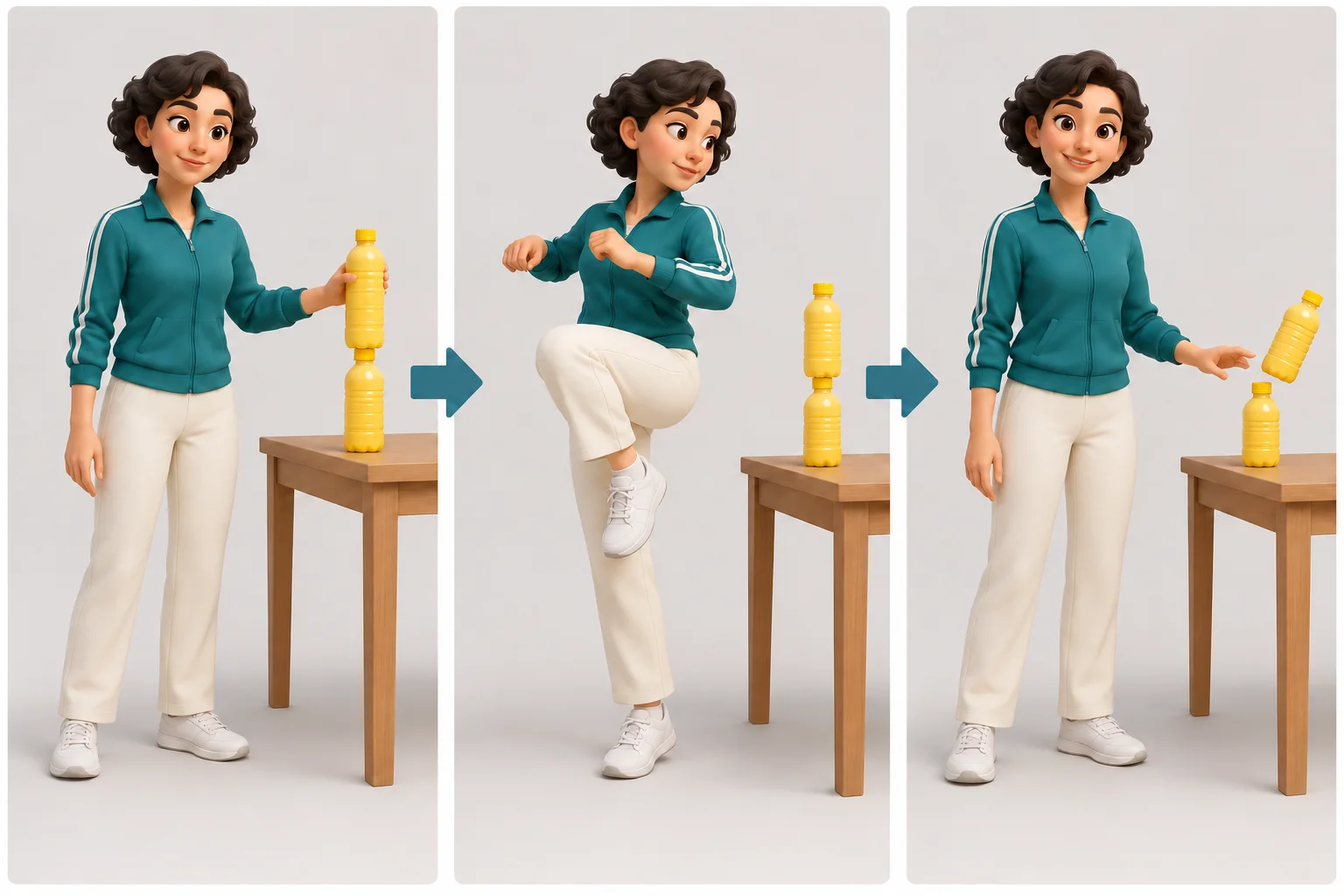
The reference video supplies a kick aimed at the upper of two stacked bottles, with the lower bottle remaining on the table. You do not need a second photo of the bottle, and this page does not ask you to upload your own action video. Check that the person you intend to use is easy to distinguish in the preview.
For a vertical post, leave room around the performer rather than cropping tightly to the face. The generated framing can change, so inspect the final clip before applying a tighter crop in your publishing editor.
Create a Bottle Kick Challenge clip in four steps
1. Preview the reference
Play the reference above and watch the setup, rotation and reaction. Use it to understand the intended action before choosing your performer image.
2. Add the performer
Upload one photo or select a suitable image from your media. Check the preview for a clear face and recognizable outfit. Replace the image if the main subject is ambiguous.
3. Add optional direction
Use the style-and-framing notes for a small adjustment, such as soft studio light or a clean background. Avoid asking for a different action or several extra performers that conflict with the reference.
4. Check the quote and generate
Review the available settings and current credit total, then submit. Follow progress in History. Play the finished clip from start to end before downloading or sharing it.
Keep the first viewing easy to follow
Give the action a clear subject
A viewer should understand who is moving and where the two-bottle stack is without pausing. Keep styling notes brief so the lead, target and table remain the focus. Extra props can make the frame harder to read.
Use captions after generation
Write a short setup or reaction in your social editor. Adding the caption after generation lets you place it away from the face, raised leg and bottle. It also lets you adjust the wording for different audiences.
Review the movement, not just the thumbnail
Watch for changes in facial identity, misplaced hands, inconsistent bottle shape, a disappearing lower bottle or a foot that passes through the table. If the action is unclear, revise the input or direction and review a new attempt; a strong cover frame alone does not establish a good clip.
A useful direction to start with
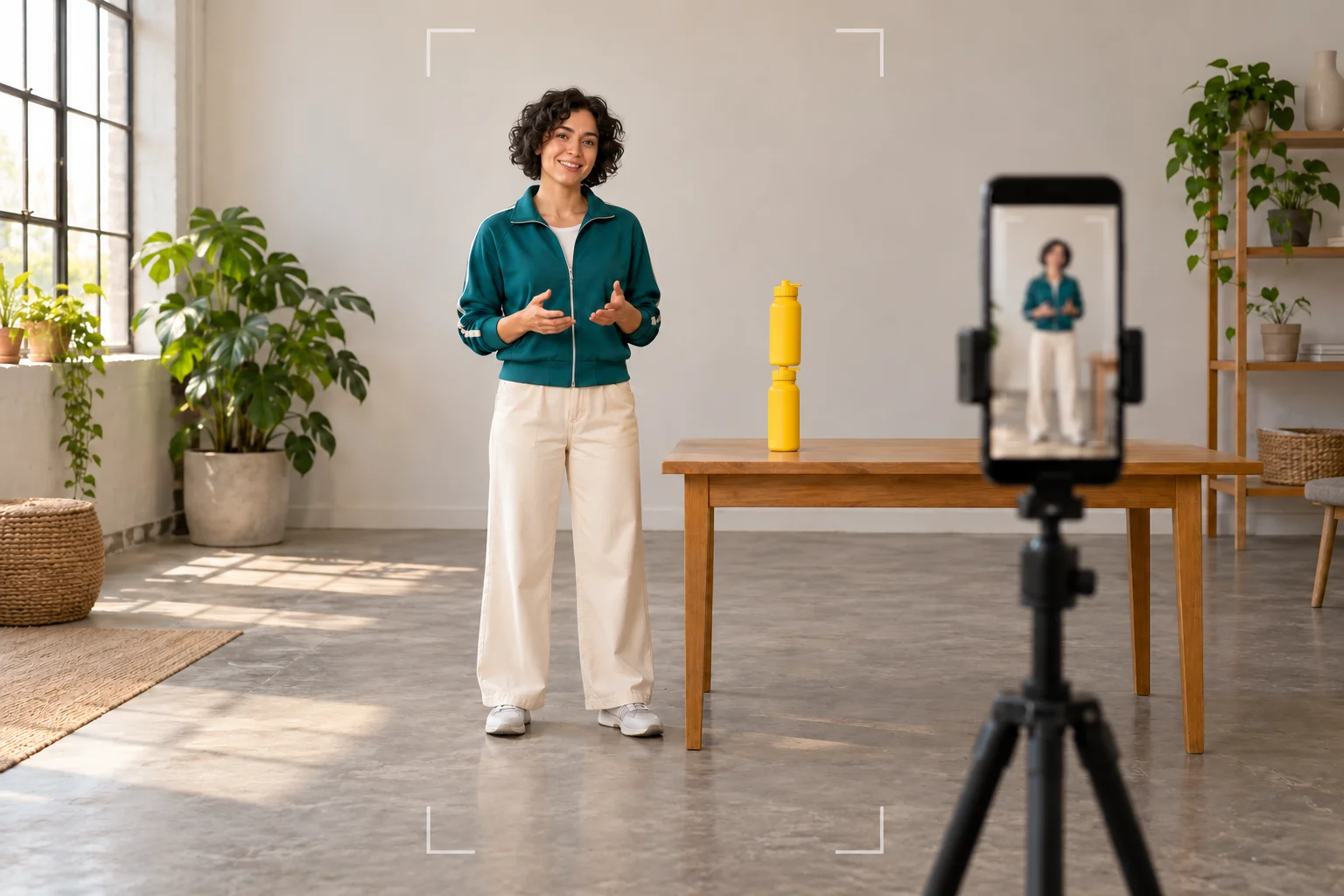
Keep the performer clearly visible throughout the bottle-kick action. Use soft daylight, an uncluttered setting and a medium-wide composition with room around the feet. Let the reaction finish before the clip ends. No on-screen text.
These notes refine the visual presentation. The fixed reference still guides the movement, and the output may interpret timing, identity and surroundings differently. Keep the final review focused on the parts your audience will notice first.
Bottle-kick video questions
What do I upload?
Upload one clear performer photo. The page supplies a fixed motion-reference video. You can add optional style notes, but you do not need to upload a bottle picture or film a kick.
Can I use text only or a different action video?
This effect needs a performer image and uses its configured reference. For a different written video idea or another reference workflow, use the related video tools below.
How much does it cost?
Read the live credit quote in the generator. It uses the selected output settings and the configured reference input. The total can differ from a general text-to-video quote; check it before submitting.
Can I try it without paying?
Access depends on your account and the currently enabled model. Follow the sign-in or payment message shown by the generator. This page does not promise a free generation allowance.
How long is the video, and when will it finish?
The page starts with a 13-second output setting. Check any available duration option before submission. Processing and queue time vary; History shows task progress rather than a guaranteed completion time.
Will the face and kick match perfectly?
The model interprets both inputs. Review the face, limbs, bottle and table throughout the clip. A clearer photo and simpler styling direction can improve the brief, but they do not guarantee identical motion or identity.
Can I post the result as a short video?
Save the completed result and review it at the size and crop you intend to publish. Add your own caption and cover in your editor. The generator does not automatically publish to a social account.
Explore another video direction
Start another video idea
Explore the site's general video generator for a different scene or prompt.
Explore a hotel-lobby scene
Try a separate scene workflow when you want a different setting and mood.
Work from another video
Explore the dedicated video-to-video workflow and its available input requirements.
aisocialmediapostgenerators.com · Updated
What's new on this page
- — Added photo inputs, a motion reference preview and guidance for creating this video effect.