
Pixel art for a social post
Minecraft Pixel Art
Create Minecraft Pixel Art
History
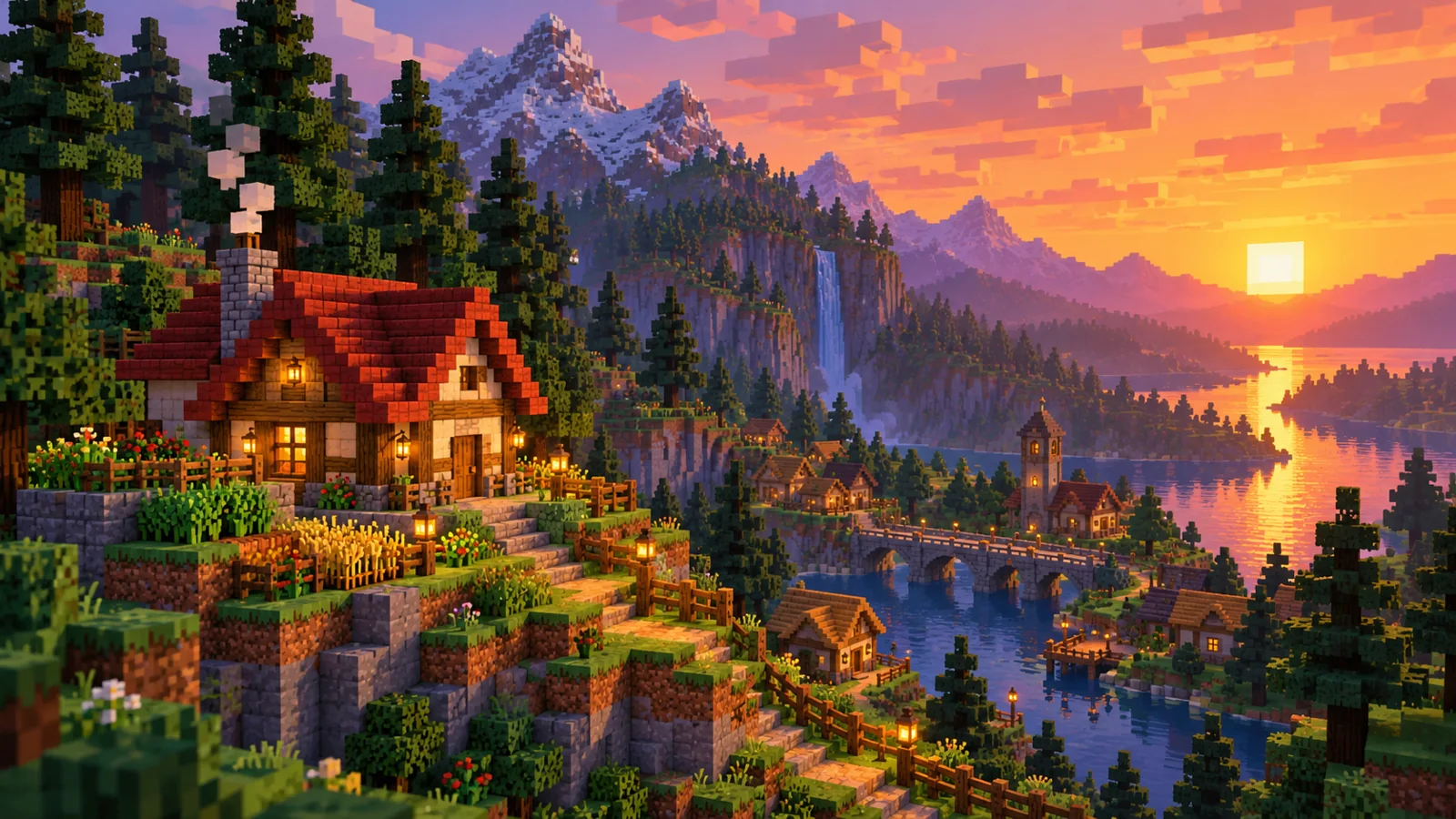
Create Minecraft-inspired pixel artwork for a feed post or story cover. Compose around a large focal subject so the image survives mobile cropping. Upload a scene, building, object or character reference. Describe the focal point and palette, then generate a blocky pixel-art image for a visual project.
Create Minecraft Pixel ArtHow to use Minecraft Pixel Art
Plan the image for feed graphics, story covers, and campaign visuals. Start with a suitable reference and use the live generator above.
1. Select a clear reference
Choose a scene or subject with a recognizable outline and strong color separation.
2. Simplify the composition
Name the focal subject, palette, and background. Ask for large readable pixel shapes before extra texture.
3. Check the output
Inspect the silhouette at thumbnail size and refine colors or framing if the subject disappears.
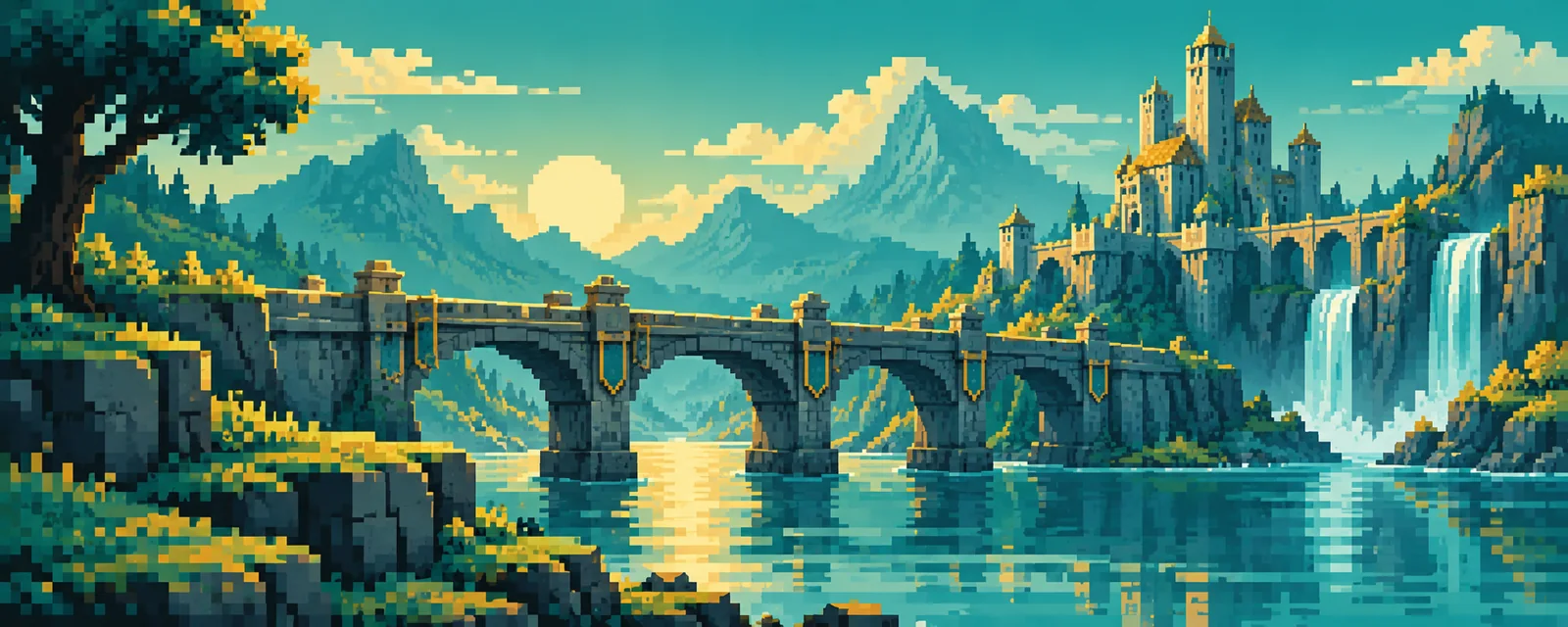
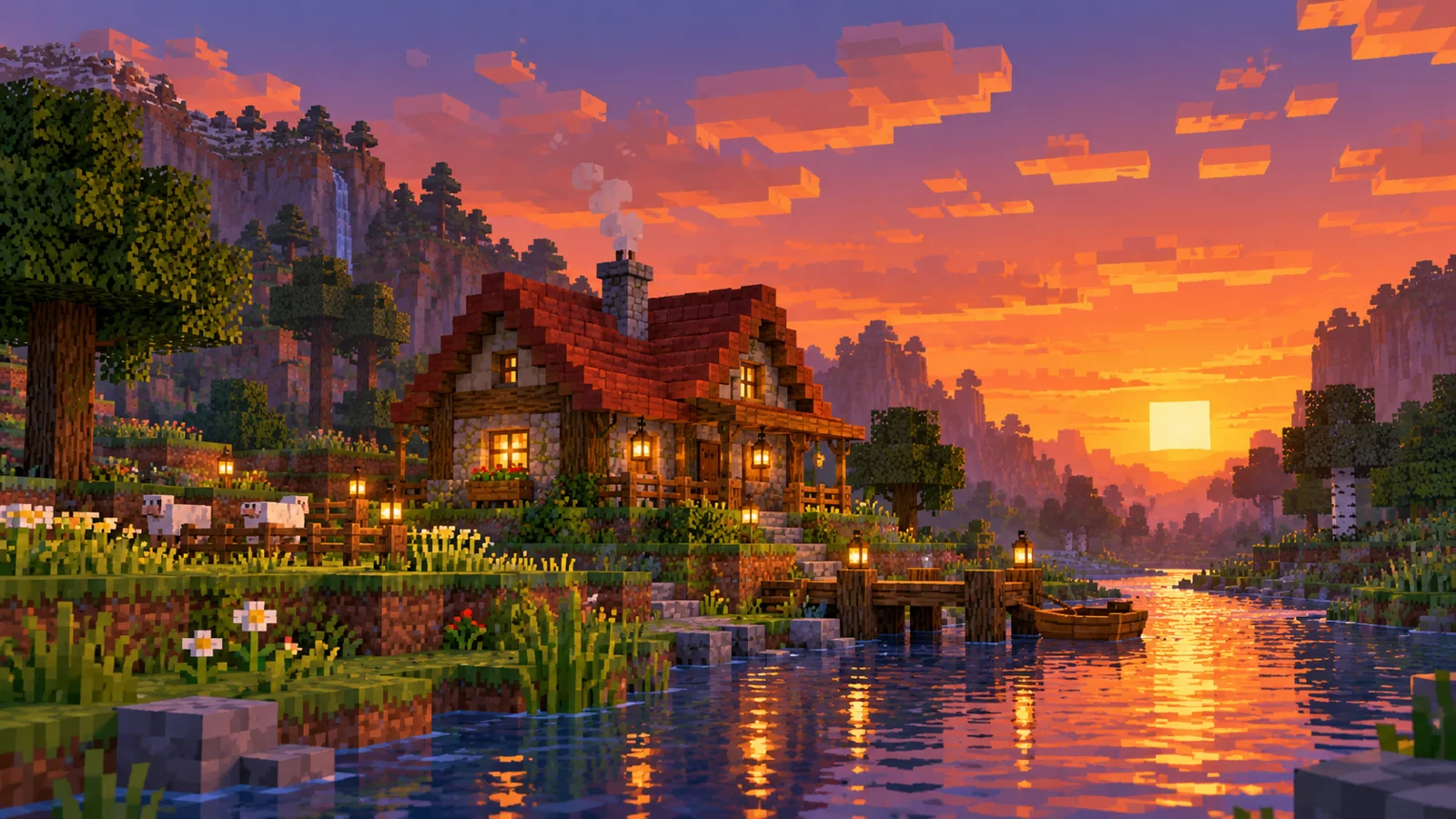
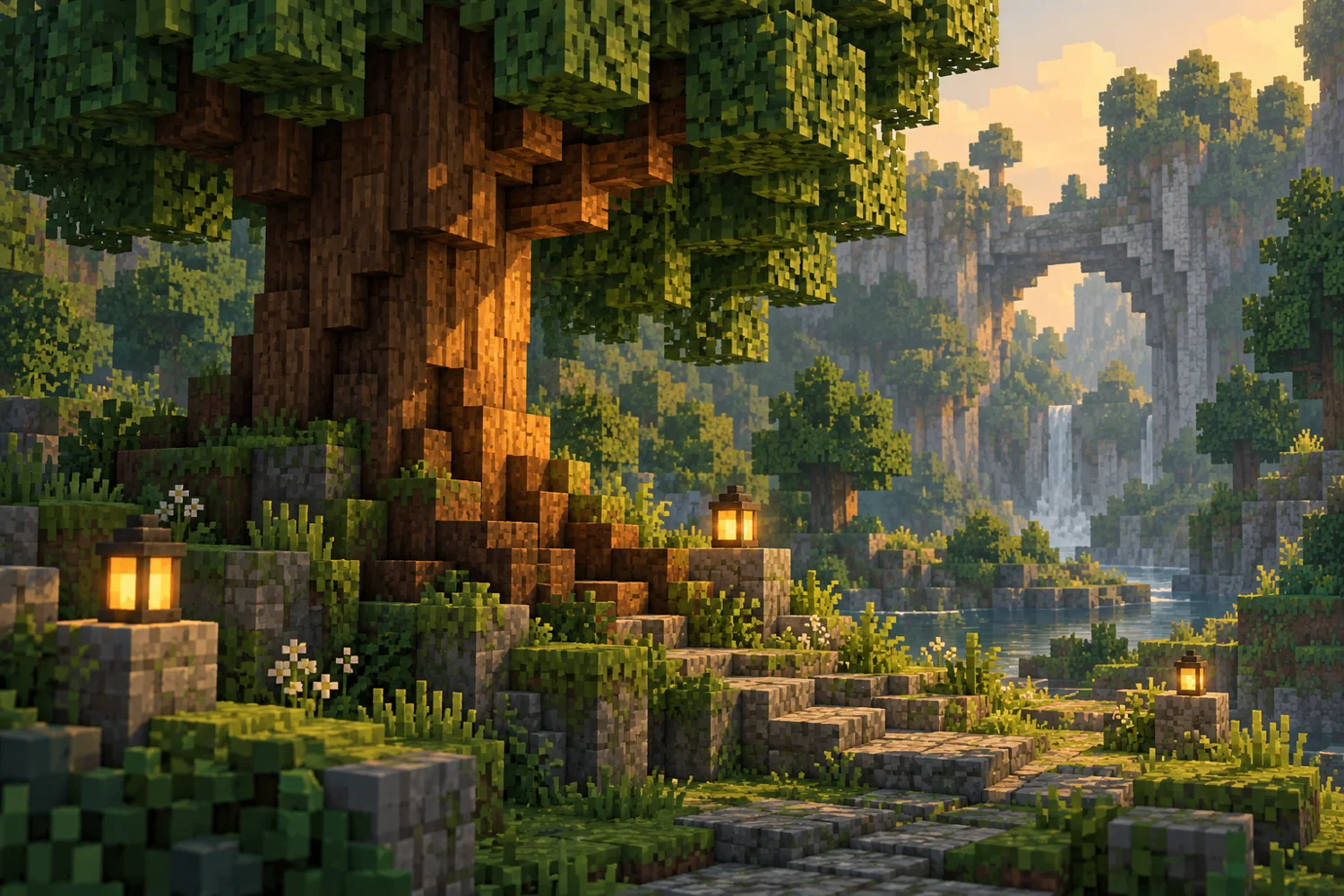
River bridge concept, Red-roof cottage study and Forest detail study
Ideas for SocialImage
Pixel art for a social post. This workflow suits feed graphics, story covers, and campaign visuals. Keep the main subject visible and use one image direction per generation.
Minecraft Pixel Art FAQ
Can I start with my own image?
Yes. Upload one reference image and describe what should stay recognizable.
Is the result a game world or build schematic?
The output is a still pixel-art image, not a Minecraft world file or construction schematic.
Can I create a character for the scene?
Use Image to Minecraft Skin on this site for a related blocky character concept.
Related image tools
Continue with another image direction on this site.
aisocialmediapostgenerators.com · Updated
What's new on this page
- — Added an image generator, visual examples and guidance for this creative task.